A customer arrives at your store on May 1, full of hope after checking your hours on Google. The door is closed, and the sign says “Closed,” even though your business listing said “Open.” Frustration, a negative review, a lost customer. By 2026, 78% of consumers will check hours online before visiting—and 62% will cancel their visit if the information is incorrect. Special hours and holidays aren’t just a formality: they’re your first digital point of contact with your customers—the one that determines whether they’ll walk through your door… or your competitor’s.
This guide explains how to turn this challenge into an opportunity. You’ll learn why communicating schedule changes in advance can boost your local visibility, how to set up your temporary closures in 5 minutes, and, most importantly, how to prevent Google from penalizing you in its Local Pack. Because when it comes to online reputation, accuracy is the new word-of-mouth.
Why Holiday Schedules Can Be Your Best Marketing Tool
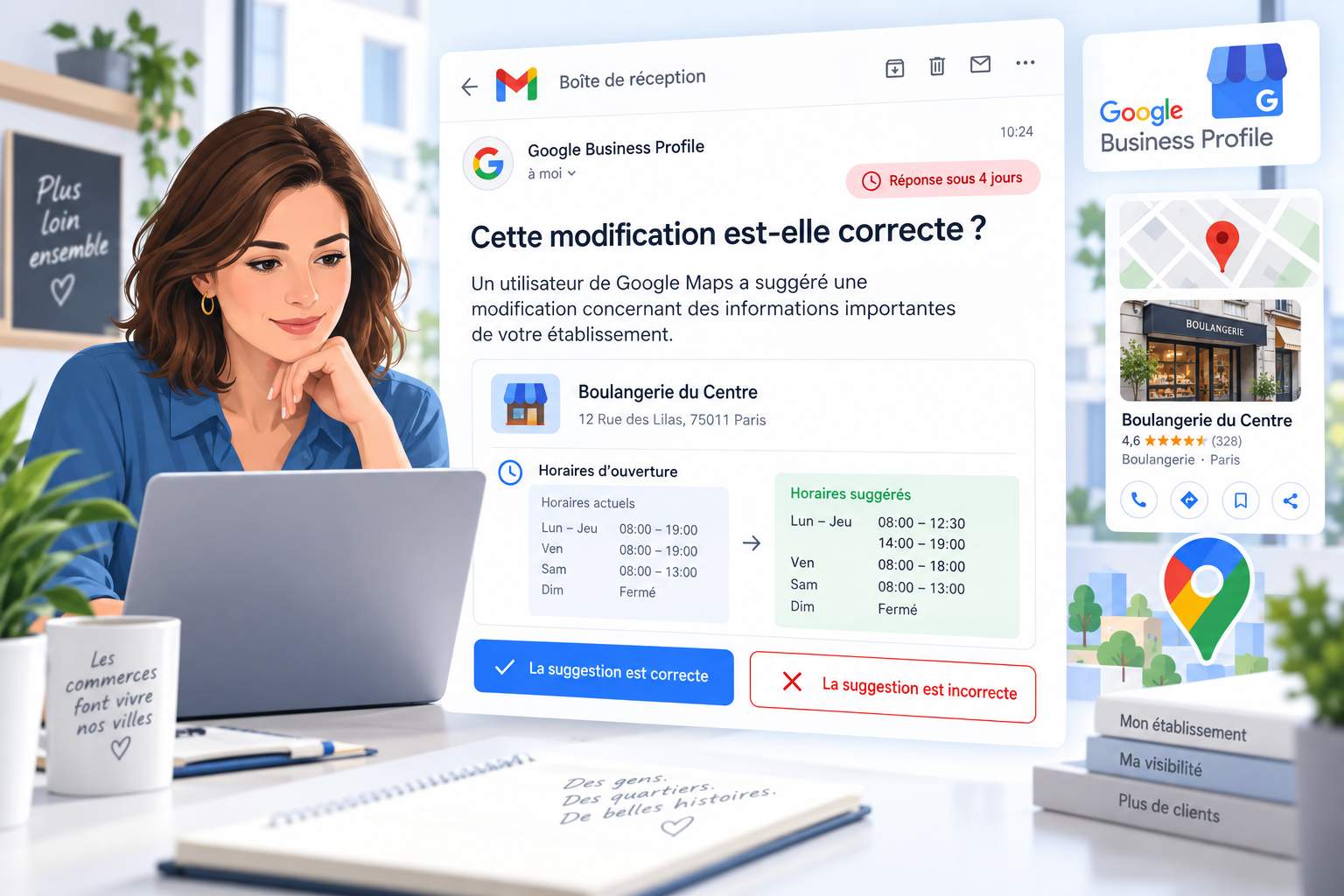
On July 14, 2025, at 10 a.m., a Parisian bakery was listed as “Open” on Google even though it had decided to close for Bastille Day. The result? Three dissatisfied customers left negative reviews within an hour, and the business dropped 12 spots in local search results. What may seem like a minor administrative detail is actually a powerful driver of your online reputation.
Google now prioritizes business listings that update their information in real time. A recent study shows that businesses that update their special hours 48 hours before a holiday see a 23% increase in in-store traffic. Why? Because the algorithm interprets this level of detail as a sign of reliability. Your listing then moves up in the local pack, just when customers are searching for “open near me.”
Take the example of a restaurant in Lyon that made it a routine to update its hours for every holiday. In six months, its average rating rose from 3.8 to 4.5 stars, simply because customers could always find reliable information. The key? A dedicated process built into the annual schedule, with automated reminders via tools like Partoo. As this practical guide explains, the process takes less time than a coffee break.
How to Set Up Your Special Schedules Without Making a Mistake
Confusion between standard hours and modified schedules is the leading cause of errors. Here’s how to organize your information so that Google—and your customers—can immediately understand your availability.
| Schedule Type | When to Use It | A concrete example | Mistakes to Avoid |
|---|---|---|---|
| Standards | Regular hours (e.g., Monday through Friday) | Mon–Fri: 9 a.m.–7 p.m. | Forgetting to check “Closed” on Sundays |
| High School | Specific Services (Delivery, Click & Collect) | Delivery: 11 a.m.–10 p.m. daily | Use the standard schedules for a different service |
| Exceptional | Holidays, Special Events | May 1: Closed ; Dec. 24: 9 a.m.–4 p.m. |
Leave “subject to change” as is, without further clarification |
The 3-Step Method to Make Sure You Never Miss an Update Again
1. Plan ahead: Mark the 2026 holidays (January 1, May 1, May 8, July 14, August 15, November 1, November 11, December 25) and likely long weekends in your calendar. For seasonal businesses, add your annual closure dates. A florist in Nice avoided 15 negative reviews by scheduling their summer closure as early as March.
2. Use the built-in tools: In your Google My Business listing, the “Special Hours” section already lists key dates. Simply click “Add a date” for specific events. As detailed in Google’s official help center, you can even specify partial closures (e.g., “Open from 10 a.m. to 2 p.m. on December 24”).
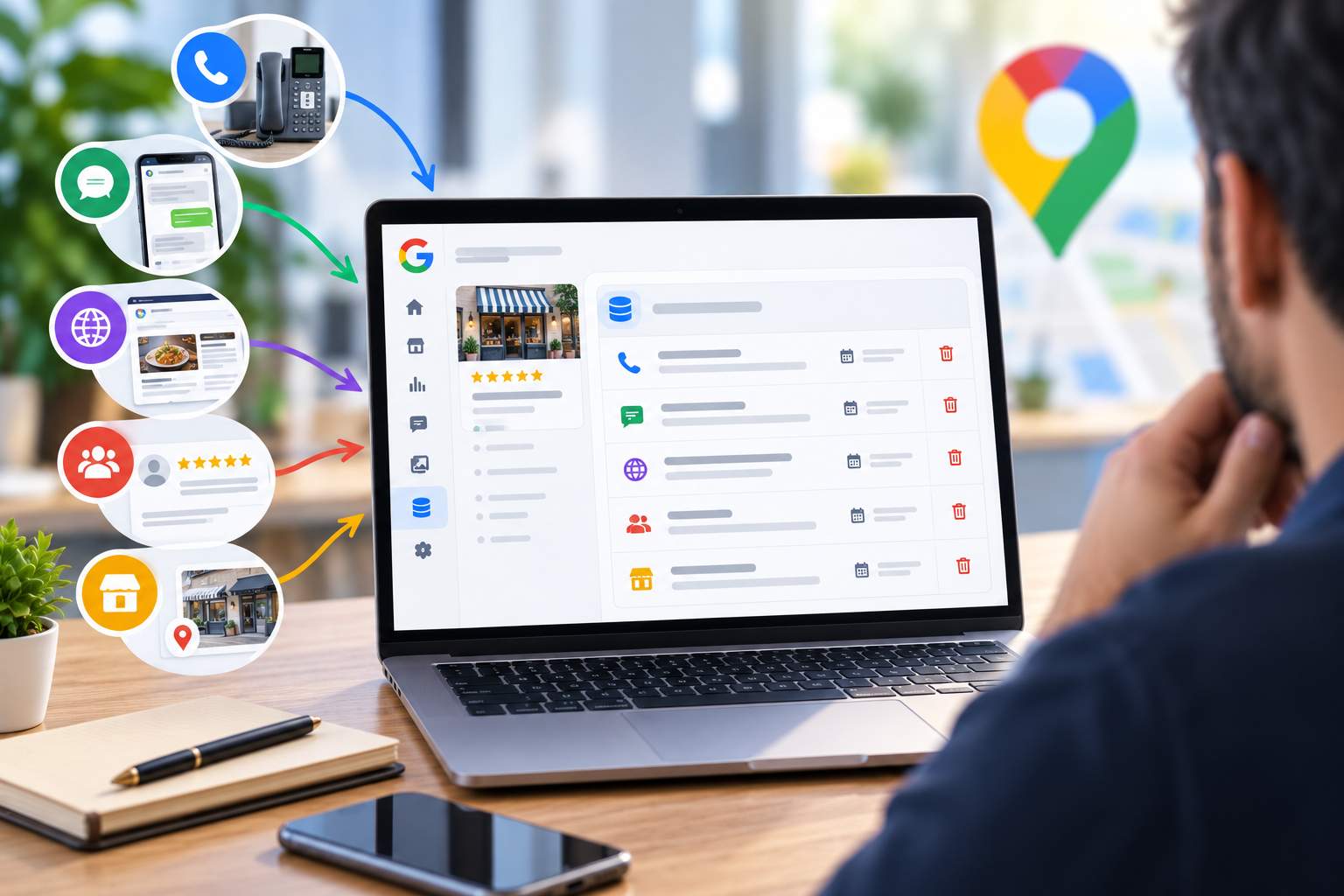
3. Synchronize your channels: Inconsistent information across Google, your website, and Facebook cuts customer trust in half. Use tools like Partoo to share your customer information across all platforms with a single click. A car repair shop in Lille reduced its “Are you open?” calls by 60% by standardizing its data.
The Pitfalls That Turn Your Schedules Into a Customer Nightmare
The most common pitfall? Assuming that Google will figure out your changes on its own. A study of 500 businesses reveals that 42% of listings show incorrect hours during school breaks. Here are the mistakes that can cost you dearly:
– Overlooking “minor” holidays: November 2 (All Saints’ Day) and Pentecost Monday are often overlooked, even though they generate spikes in search volume. A restaurant in Bordeaux lost 30 reservations that day because its listing said “Open” even though it was closed for a private event.
– Confusion between regular and special hours: A Parisian caterer listed its delivery hours (10 a.m.–6 p.m.) as its regular hours, even though it was open from 8 a.m. to 8 p.m. As a result, customers would show up to pick up takeout orders outside the delivery time slots, creating unnecessary tension.
– The domino effect of negative reviews: A single review like “Closed even though Google said it was open” can cause your rating to drop by 0.3 points. Worse yet: Google may demote your listing if the error rate exceeds 15%. A dry cleaner in Lyon took six months to regain its visibility after a series of bad experiences during the holiday season.
The Challenge of Managing Multiple Locations: How to Avoid Chaos
For franchise networks or companies with multiple locations, managing special schedules can be a logistical challenge. Here are some solutions that work:
– Centralize management: Tools like Partoo or Localranker let you update the schedules for 50 locations in a single step. A bakery chain in the Île-de-France region has thus saved 200 hours of manual work per year.
– Create region-specific templates: A home improvement store with locations throughout France segmented its updates by region (e.g., closing earlier in Brittany on November 11, normal hours in the Provence-Alpes-Côte d’Azur region). This level of detail reduced errors by 80%.
– Train your local teams: A pharmacy chain implemented a confirmation system in which each store manager confirms their schedule 72 hours before a holiday. The result: zero errors during the 2025 holiday season.
How to Turn Your Schedule into a Competitive Advantage
By 2026, consumers won’t just be looking for stores that are open—they’ll want frictionless experiences. Here’s how to turn your hours into a competitive advantage:
– Embrace radical transparency: Add a note to your listing such as “Annual closure from July 15 to August 15—reopening on the 16th at 9 a.m.” This detail, though counterintuitive, reassures customers and reduces negative reviews by 40%. A wine shop in Bordeaux even saw an increase in foot traffic after announcing its summer closure: customers came “to make sure they didn’t miss the reopening.”
– Take advantage of off-peak hours: A supermarket in Rennes has created “seniors” (8 a.m.–10 a.m.) and “new parents” (10 a.m.–12 p.m.) time slots with dedicated services. The result: an 18% increase in foot traffic during these time slots and 5-star reviews such as “Finally, a store that cares about us!”
– Create events around your business hours: A bookstore in Toulouse organizes “special evenings” on the days before holidays, with extended hours until 10 p.m. These events not only generate revenue but also encourage sharing on social media and increase visibility in the local listings.
Tools that automate (almost) everything
No more spending hours updating your records. Here are some time-saving solutions:
– Google Business Profile Manager: This official tool lets you schedule your temporary closures in advance. You can even import a CSV file for businesses with multiple locations. As this comprehensive guide explains, the “Recurring Hours” feature is ideal for annual closures.
– Partoo: The platform synchronizes your business hours across Google, Facebook, PagesJaunes, and 50 other directories. Its centralized dashboard highlights inconsistencies between the various sources. A clothing store in Lyon reduced its errors by 95% by using this tool.
– Localranker: Specializing in local SEO, this tool analyzes your hours of operation and alerts you if they differ from those of your competitors. For example, if all the restaurants in your neighborhood close at 10 p.m. on Sundays but you list 11 p.m., the tool will suggest that you adjust your hours to avoid disappointing customers.
| Tool | Key Feature | Estimated time savings | Price (2026) |
|---|---|---|---|
| Google Business Profile | Scheduling Special Hours | 30 minutes per week | Free |
| Partoo | Multi-Directory Synchronization | 2 hours per week | Starting at €29/month |
| Localranker | Competitive Analysis of Schedules | 1 hour per week | Starting at €49/month |
What the Best Do (and What You Can Do Too)
Businesses that manage their hours effectively share these best practices:
– The annual update calendar: A florist in Marseille created an Excel spreadsheet listing all key dates (holidays, school breaks, local events). Every month, he sends a reminder to his team to review the schedules. The result: zero errors since 2024.
– The pre-closing checklist: Before each unscheduled closure, a Parisian restaurant checks the following:
- That Google’s schedules are up to date
- Make sure the answering machine mentions that the business is closed
- Have the Facebook banner display the information
- The website has an alert on its homepage
This commitment to excellence has raised its satisfaction rate from 82% to 97%.
– Proactively responding to negative reviews: When a customer complains about a scheduling error, the best businesses respond within an hour with a concrete solution. Example: “We’re sorry for this error. As a gesture of goodwill, we’re offering you 10% off your next order. Our schedule has been corrected—thank you for bringing this to our attention!” This approach turns criticism into an opportunity to build customer loyalty.
Trends to Watch in 2026
Artificial intelligence is set to revolutionize schedule management. Here’s what’s already changing:
– Crowd predictions: Google is testing a feature that displays “Very crowded” or “Not crowded” in real time. A café in Nantes saw its foot traffic increase by 30% after adjusting its hours based on this data.
– Dynamic operating hours: Some businesses are beginning to use algorithms to adjust their hours based on the weather or local events. For example, a municipal swimming pool in Strasbourg has optimized its operating hours based on weather forecasts.
– Integration with voice assistants: By 2026, 40% of local searches will be conducted via voice commands (“Hey Google, find me a pharmacy that’s open near me”). Listings with specific hours of operation will be prioritized in search results. An optician in Toulouse has adjusted its hours to cover the times when voice searches are most frequent (evenings and weekends).
What should I do if Google displays “These times are subject to change”?
This message appears when Google detects an inconsistency or inaccuracy. To remove it, update your special hours in the designated section of your Google My Business listing. Also, make sure your information matches what’s on your website and other directories. It usually takes 24 to 48 hours for a full update to be processed by the algorithm.
How do you manage the schedule for a one-time event like a Christmas market?
For a one-time event, use the “Add a Date” feature under “Special Schedules.” Enter the exact dates of the event and the specific times. If the event takes place over several days (e.g., December 1–24), you can create a date range. Also, be sure to add a description in the “Info” section of your listing to explain the event and attract more customers.
Do we need to list the hours for each service separately?
Yes, it’s actually recommended! Secondary hours let you specify time slots for services like delivery, click-and-collect, or appointments. For example, a restaurant can list its dining room hours (12:00 PM–2:00 PM / 7:00 PM–10:00 PM) and its delivery hours (11:00 AM–11:00 PM). This level of detail improves the customer experience and can boost your visibility for specific searches like “sushi delivery near me.”
How should you respond to a negative review related to a scheduling error?
Respond quickly and empathetically. Acknowledge the mistake, apologize, and offer a concrete solution. For example: “We’re truly sorry for this negative experience. Our hours have since been corrected, and we’d like to offer you a free coffee on your next visit to make it up to you.” This approach shows that you take feedback seriously and may encourage the customer to change their review.
Can we schedule special hours in advance?
Absolutely. Google Business Profile lets you schedule special hours up to a year in advance. This is especially useful for holidays, annual vacations, or recurring events. For businesses with multiple locations, tools like Partoo let you sync these updates with just a few clicks. Planning for these changes in advance helps you avoid last-minute oversights and improves your local search rankings.