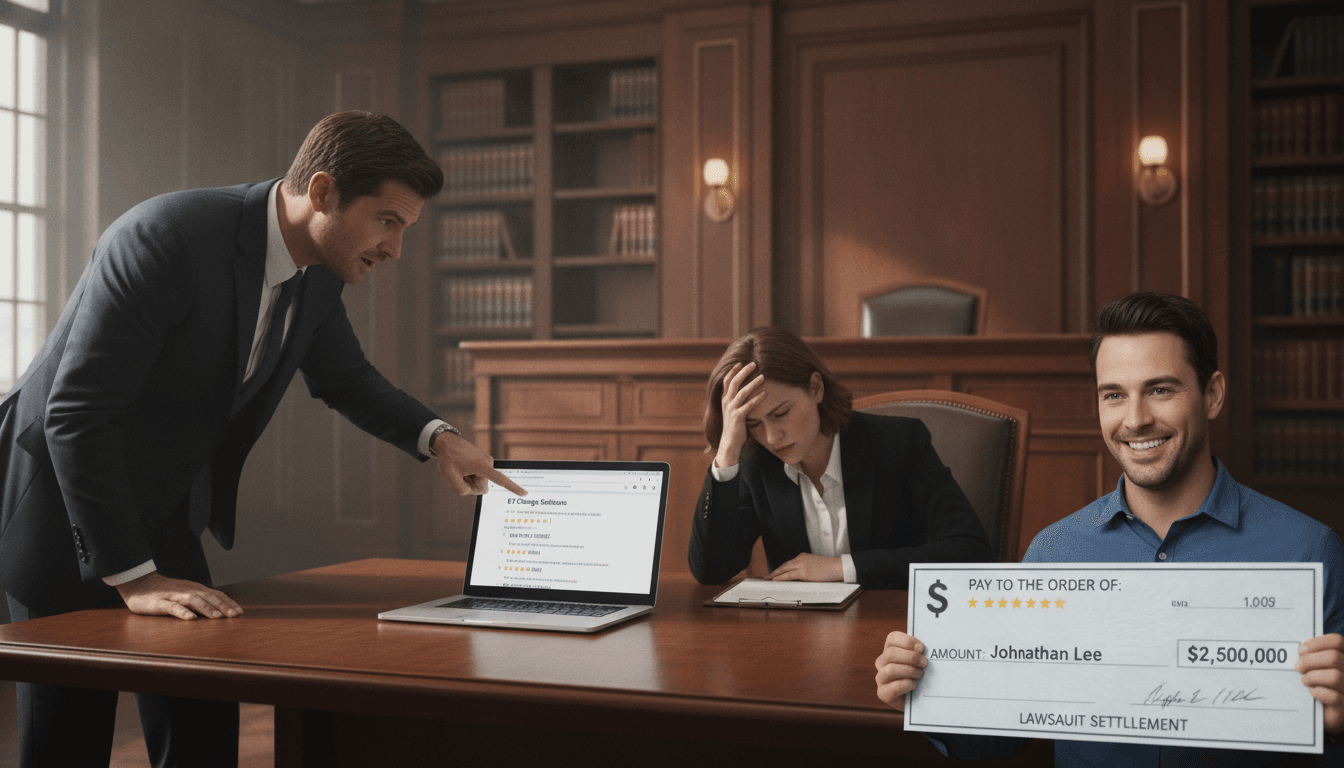
One morning, the bakery “Le Fournil de Camille” in Lyon noticed that its hours had changed on its Google listing. According to the new information, it was closed on Sundays. But Sunday is actually its busiest day. As a result, it lost customers for three weeks before realizing what had happened. Having your Google business listing modified by a third party happens more often than you might think. According to Google, any user can suggest a change to a business profile, and 20% of these suggestions go through without the owner’s approval. This article shows you how to detect these intrusions, lock your account, and regain control.
In short:
- Google allows changes suggested by third parties, which exposes each business profile to unwanted changes.
- Google’s security is based on three pillars: strong passwords, two-factor authentication, and access monitoring.
- A listing that has been hijacked by a competitor can be recovered, often in less than 48 hours, provided the right evidence is available.
- Google’s reporting feature and the ownership claim remain your main tools for restoring your listing.
- In 2026, generative AI will prioritize recommending brands with a clean and consistent reputation: neglecting your business profile is tantamount to handing market share to your competitors.
Why can my Google listing be edited by a third party?
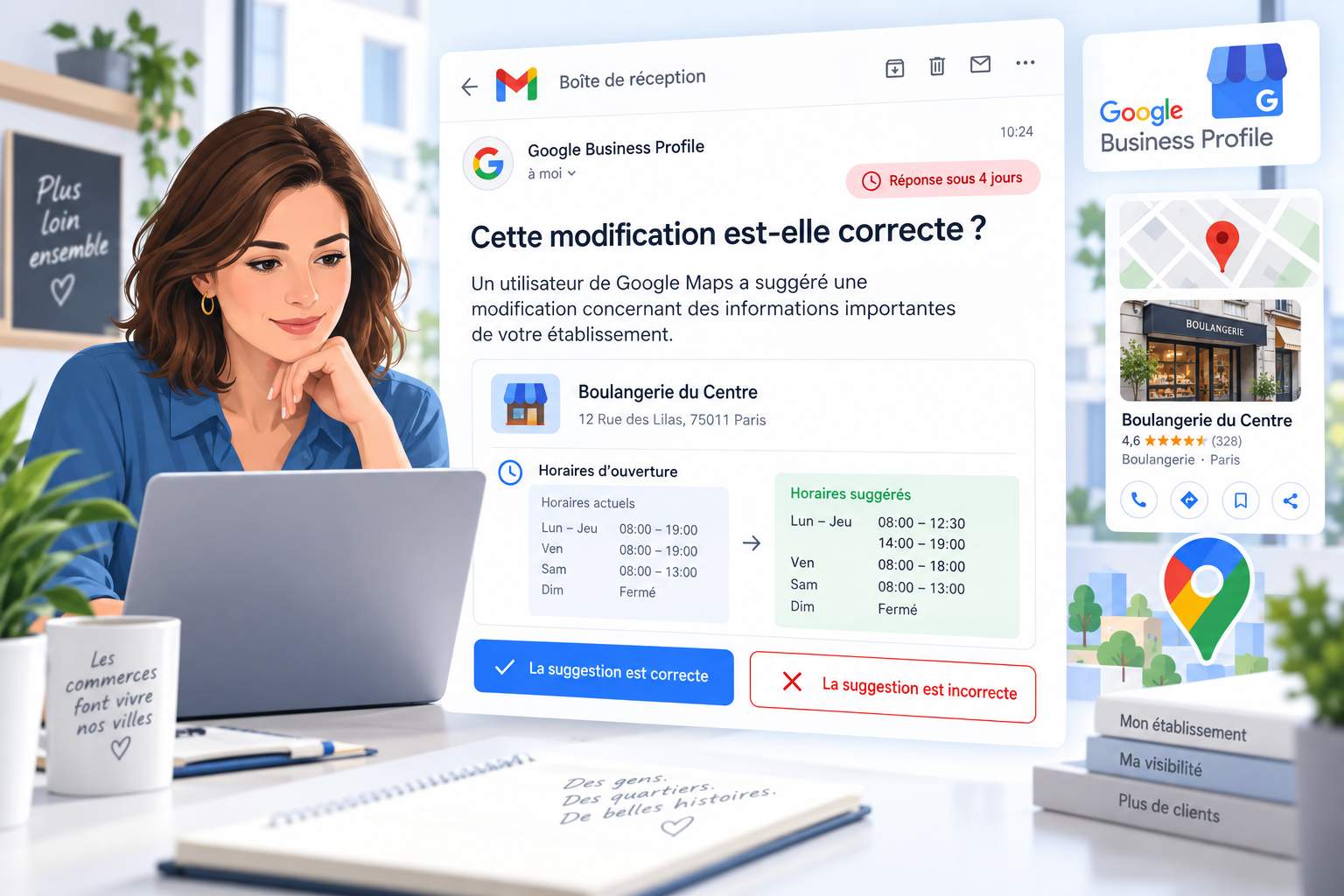
The answer can be summed up in one sentence: Google considers business listings to be collaborative resources, not your exclusive property. In practice, a customer, a competitor, or even a passerby can suggest a correction to an address, business hours, or phone number. Google approves certain suggestions automatically, without asking for your input.
This approach is based on good intentions. Google wants fresh, reliable data for its users. Imagine a restaurant that moves without updating its listing: the crowd-sourced suggestion feature corrects the error. The downside is that it opens the door to errors and malicious acts.
Automatically Suggested Changes
Google relies on cross-referenced data: maps, websites, and other directories. If your website lists different hours than your business listing, the algorithm may make the decision on its own. In its analysis of who can edit your business profile, the service provider Localranker notes that these automatic adjustments are among the most common causes of unexplained changes.
Take the case of a plumber in Bordeaux. His old phone number was still listed in a third-party directory. Google “corrected” his listing with that old number. For a week, his calls went unanswered. A simple data discrepancy can therefore be costly.
Malicious changes made by a competitor
This is where things get tricky. An unscrupulous competitor could report your business as “permanently closed,” change your main category, or flood your listing with fake reviews. These tactics are designed to push you down in the local rankings so they can take your spot.
The issue of fake reviews warrants special attention. If you suspect an organized campaign, our guide on whatto do if a competitor posts fake reviews details the legal remedies available. A defamatory review is not a legal inevitability.
In cases of outright hijacking, the specialized platform suppression-fiche explains how a listing claimed by a competitor can be quickly recovered, provided you build a solid case with evidence. Dated screenshots, edit history—everything counts.
Suspicious activity as a warning sign
You can spot suspicious activity by looking for a few signs: logins from unknown devices, changes you didn’t make, and ownership requests you received for no reason. Google usually sends a notification, but you still have to read it.
The official support forum is full of stories on this topic, such as this discussion about a third party changing a Google Business Profile. The common takeaway: the faster you act, the easier it is to recover it. A profile left unattended for months becomes easy prey.
How can you secure your Google Business Profile account?
The straightforward answer: enable two-factor authentication, use a unique password, and regularly check the list of users who have access to your profile. These three steps block the vast majority of intrusion attempts. Google itself lists them as its top recommendations.
Many entrepreneurs overlook this step. They create their listing, verify it, and then never touch it again. But an unprotected account is like leaving the door to your house open when you go on vacation. Anyone can walk right in.
Enable two-factor authentication
Two-factor authentication adds a powerful layer of protection. Even if someone guesses your password, they’ll also need the code sent to your phone. Google explains the steps to follow on its page dedicated to protecting your school profile.
Setup takes five minutes. You link your cell phone number or an authentication app to your account. After that, every time you log in from a new device, you’ll be asked to confirm. Simple, free, and effective.
Manage access and roles with precision
Access management is the Achilles’ heel of franchises and multi-location chains. Too many people have owner or administrator privileges. A former employee who left on bad terms can still modify the record if they haven’t been removed.
Review access permissions regularly. Who has access? What are their roles? An intern doesn’t need to be a primary owner. Assign the minimum necessary access level to each person. This practice helps avoid many unpleasant surprises.
Some third-party tools offer automatic monitoring features. Partoo, for example, explains how to prevent unwanted changes to your profile using invisible consistency checks. This is useful for retailers managing dozens of stores.
Check Your Profile Daily
Active monitoring makes all the difference. Setting up notifications and regularly reviewing proposed changes allows you to block changes before they cause any damage. Google Alerts are the first step to getting notified as soon as information about your company starts circulating.
During an audit conducted for a network of auto repair shops, one finding kept coming up: locations that checked their records once a week experienced three times fewer malicious changes than those that never checked them. Vigilance pays off—and the numbers back it up.
What should I do if my Google listing is suspended or blocked?
First step: Don’t panic, and don’t open ten duplicate cases. Identify the cause of the suspension, fix it, and then request a review using Google’s official form. Most suspensions are resolved within a few days if your request is clear and well-documented.
A suspension often occurs after a change deemed noncompliant: incorrect category, prohibited words in the name, or a questionable address. Google would rather block a suspicious listing than let it through. Unblocking it requires a systematic approach.
Understanding the Reasons for Suspension
Google distinguishes between a “soft” suspension (invisible but manageable listing) and a “hard” suspension (total loss of access). Each situation requires a different response. Assistouest offers specialized support to unblock a business listing based on the type of penalty encountered.
Here’s a telling example: A self-employed esthetician had added “best salon in town” to the name of her listing. Google suspended the profile for violating the naming rules. Removing that promotional phrase and resubmitting the listing for approval was all it took to get everything back to normal.
Preparing a Strong Request for Reconsideration
The key to successfully resolving a lockout is preparation. Gather your supporting documents: Kbis, bills addressed to your home, and photos of the storefront. The table below summarizes the documents you’ll need depending on your situation.
| Location | Documents to Prepare | Average lead time |
|---|---|---|
| Suspension for Non-Compliant Name | Kbis, sign visible in the photo | 2 to 5 days |
| Listing Claimed by a Third Party | Proof of ownership, invoices | 3 to 7 days |
| Disputed Address | Commercial Lease, Proof of Business Address | 5 to 10 days |
| Lost Access (Password) | Original email, login history | 1 to 3 days |
Bertrand Melsion’s guide, in fact, lists seven concrete solutions to accessibility issues. Reading it helps you avoid trial and error when every day of invisibility costs you revenue.
Avoiding the “double entry” trap
A common mistake: creating a new listing because the old one is blocked. Google hates duplicates and penalizes both. You end up with twice the problem instead of a solution. Be patient, contact support, but never create a duplicate.
This rule is worth its weight in gold for busy business owners. Updating an existing listing always takes precedence over creating a new one. An older profile retains its review history and age in the algorithm’s eyes—two valuable assets for local SEO.
How do I reclaim ownership of a Google listing?
The process is straightforward: go to your listing on Google, click “Are you the owner?”, and then follow the claim form. If a third party already owns the listing, a transfer request will be sent to them. They have three days to respond before you can claim it directly.
This process varies depending on whether the listing is unclaimed, managed by a known third party, or claimed by an unknown user. Each situation has its own procedure. Understanding which one applies to you will save you valuable time.
The Case of a Vacant Position to Be Filled
Good news if the listing has never been claimed. Search for it on Google, click the “Claim” button, and then verify your connection to the business. Google chooses the account recovery method: SMS code, email, regular mail, or video. The algorithm decides on its own.
For video or recorded verifications, please allow up to five business days. The Assistouest service supports this step of creating and claiming a profile with secure access, which helps prevent the duplicate entries that are common among beginners.
Request a transfer from the current owner
If an agency or a former service provider is managing your listing, request a transfer of ownership. You’ll need to fill out a form with your contact information. The current owner will receive an email and has three days to accept, decline, or ignore the request. Partoo provides detailed instructions on how to regain ownership of a Google listing.
There are three possible outcomes. He accepts, and you regain control. If he doesn’t respond within three days, Google will let you reclaim it. If he refuses, you’ll then have to prove your legitimacy through an enhanced verification process. An SME in Nantes regained control of its listing five days after parting ways with an agency that was dragging its feet.
Become the primary owner safely
Once you’ve claimed ownership, there’s one important detail to keep in mind: if you’ve just claimed the listing via transfer, Google imposes a one-week waiting period before you can change the primary owner. This delay prevents hackers from taking over the listing instantly.
Webncie provides detailed instructions on how to complete the recovery process. Once you are the primary owner, downgrade or remove any unnecessary access rights. Lock the house once you get home.
Protecting Your Reputation Against AI and Competitors in 2026
The harsh truth: By 2026, AI assistants will prioritize recommending businesses with a solid and consistent reputation. A profile that’s been tampered with, filled with fake reviews, or poorly rated falls off the radar of automatic recommendations. Neglecting your profile is like letting your competitors snatch up the customers that the AI directs toward them.
This shift is a game-changer. Yesterday, we were optimizing for Google Maps. Today, we’re also optimizing for generative models that draw on your reviews, your rating, and the recency of your information. Data corrupted by a third party directly skews what the AI says about you.
Data Transparency: A New Battleground
Google is increasingly focusing on transparency regarding public contributions. Our analysis of content transparency on Google Maps shows that edit histories are now available for viewing. This makes it easier to see who made changes to which parts of your listing.
This transparency works in your favor. When faced with a competitor who manipulates your data, you have time-stamped evidence. Cases ofextortion via Google reviews are resolved more effectively when you document every suspicious action as soon as it occurs.
Turning Protection into a Competitive Advantage
Protecting your business listing isn’t just about defense. It’s an offensive investment. Here are the habits that set apart business owners who dominate their local market:
- Check for suggested changes and new notices every week.
- Keep two-factor authentication enabled on all accounts with access.
- Respond to every review, whether positive or negative, to show that the business is active.
- Post photos and geotagged posts regularly to feed the algorithm.
- Clean the access points whenever an employee leaves or a service provider changes.
- Document any issues with dated screenshots.
Upcoming updates are also worth your attention. Our analysis of Google Business Profile features in 2026 reveals tools that are still underutilized. Those who adopt them early gain a head start that’s hard to catch up to.
Customer Experience as a Long-Term Defense
A technically protected listing isn’t enough if the customer experience falls short. Brands that build customer loyalty create such a robust base of authentic reviews that no single act of manipulation can shake them. A happy customer becomes an ambassador who leaves a spontaneous review—your best defense against attacks.
There’s also the question of whether to focus your efforts on different platforms. Our comparison of Google reviews versus Facebook reviews can help you allocate your energy wisely. A roofing contractor in Toulouse doubled the number of quote requests he received by focusing entirely on Google rather than spreading his efforts too thin. Consistency always beats scattering your efforts.