Automated messaging on Google Business Profile is a game-changer for business owners who want to engage every potential customer the very moment they view their listing. A customer looking for a bakery open on a Sunday morning stumbles upon your business on Google Maps, and a conversation begins within seconds. This responsiveness plays a major role in the purchasing decision—and, more importantly, in the impact it has afterward in the form of public reviews.
AI-powered GBP messaging is transforming the first customer interaction
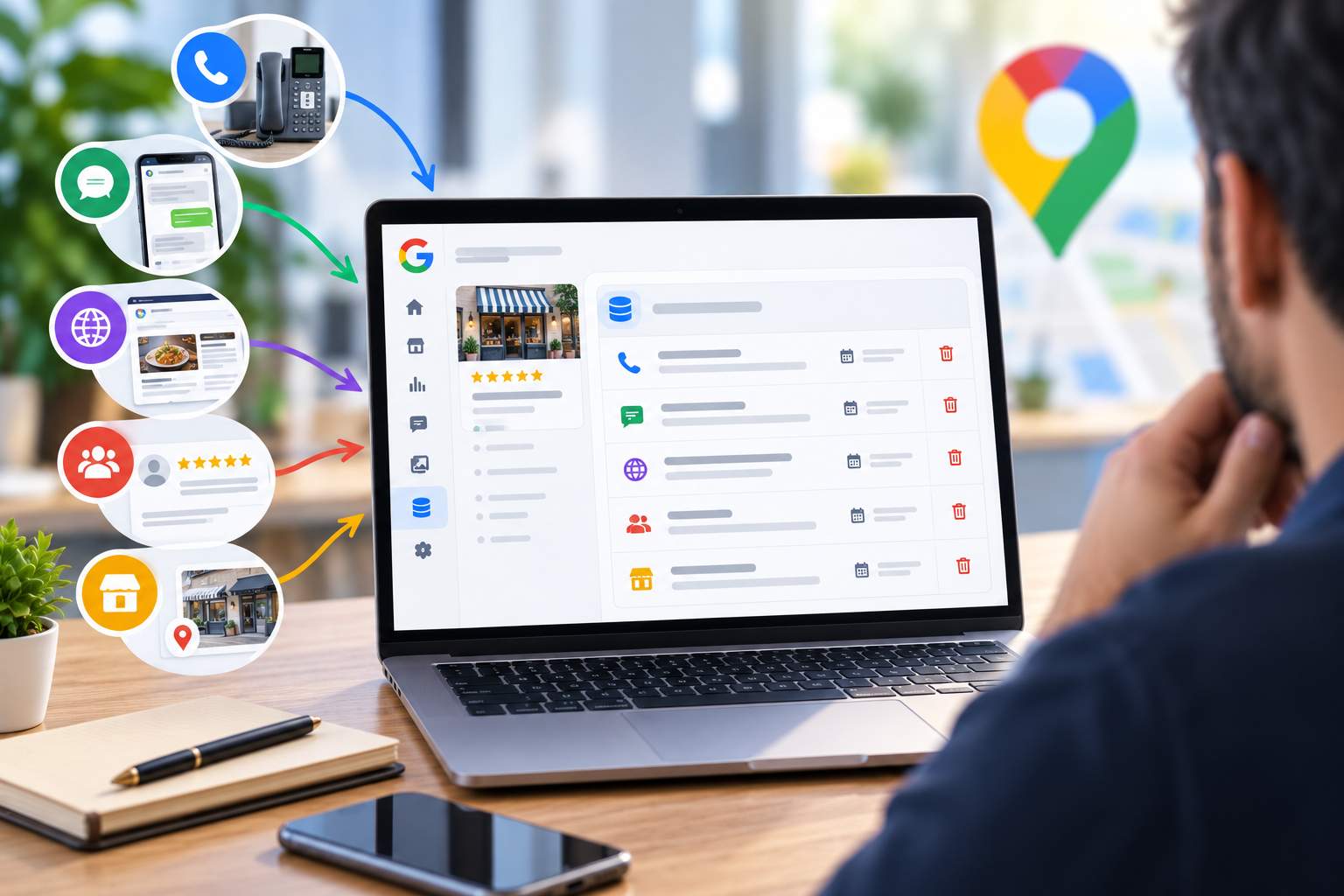
The feature is based on RCS technology, a modern messaging protocol that far exceeds the capabilities of traditional SMS. Customers can start a conversation directly from your listing on Google Search or Maps, then continue the conversation through their phone’s native Messages app. No installation, no tedious forms—just a seamless conversation that starts right where the prospect discovers you.
In practical terms, an intelligent chatbot handles incoming requests as soon as they are received. It answers frequently asked questions such as opening hours, product availability, or parking lot locations. Take the example of a restaurant owner in Lyon: while he manages the dining room, his chatbot handles thirty reservation requests without him having to look up from the kitchen. The time savings are quantifiable, with Google estimating that each automated conversation saves five minutes.
You stay in control at all times. The Messages tab organizes your exchanges into two distinct categories. The first includes conversations handled automatically by your agent, while the second includes those that require your personal attention. This organization prevents you from getting overwhelmed by an overloaded inbox and alerts you only when your human expertise provides real added value.
Activation requires an additional verification process, which is currently limited to certain regions, languages, and business categories. Once validated, GBP messaging becomes a permanent channel that works for you around the clock. To explore other recent features, reading about the new Google Business Profile features in 2026 sheds light on uses your competitors may not yet be aware of.
Keep this in mind: every message you respond to quickly helps build a reputation as a responsive merchant, and that perception translates into star ratings.

Understanding How Conversations Are Transferred Between You and the AI
The agent doesn’t try to handle everything on their own, and that’s a strength. Certain issues require a human response for safety reasons. As soon as a customer mentions a food allergy, a complex group reservation, or explicitly asks to speak to a person, the agent routes the conversation to your priority support queue.
This mechanism protects your establishment from mistakes. Imagine a Parisian caterer whose representative gave an incorrect answer to a question about whether a dish contained peanuts: the legal and health risks would be immediate. The automatic transfer eliminates this risk by having the response provided by someone who actually knows the recipes.
You’ll then receive a notification via text message, email, or both, depending on your settings. The message specifies the exact issue the customer needs help with, allowing you to prepare a relevant response even before opening the conversation. This controlled response time makes all the difference in customer satisfaction.
There is a time limit in place for this system: if a transfer occurs during your business hours and you do not respond within an hour, the agent takes over and asks the customer to call directly. No one is left without a response, and your reputation for reliability remains intact.
Local reputation now hinges on responsiveness and early warning signs
A business owner who responds within three minutes and another who takes two days to reply send different signals to Google and their future customers. Messaging data has become a valuable indicator of your engagement, and the algorithm monitors this behavior to rank listings in the Map Pack.
The Insights tab provides you with actionable metrics: total conversation volume, agent self-service rate, and average response time during your business hours. These numbers tell a story. A construction contractor in Marseille who analyzes recurring issues might discover that 40% of inquiries relate to turnaround times—information that allows them to adjust their services and communication strategy.
Customer sentiment, as gauged by analyzing the tone of interactions, serves as an early warning sign. These early warning signs help anticipate negative reviews long before they appear publicly. Detecting an irritated tone in a conversation gives you an opportunity to take corrective action before the customer turns into a critic on your business listing.
Because that’s the real challenge for 2026: generative search engines prioritize recommending businesses with the highest visibility. An AI system responding to a user searching for a restaurant will first list establishments with numerous positive reviews, and may just as easily flag those with a history of poor experiences. Businesses that fail to keep up with this trend will automatically cede market share to competitors who have cultivated their online presence.
Turning a dissatisfied customer around before they start typing out a complaint remains the ultimate art. The step-by-step method for turning a dissatisfied customer into a brand ambassador works perfectly with this responsive messaging system. And when a serious issue arises, Google alerts let you know so you can take immediate action.
Today’s private conversations shape tomorrow’s public opinion. Neglecting this channel is like handing your rivals a free pass.
Configure and test your agent to maximize conversion
Before going live, fine-tune your chatbot in the Settings tab. The welcome message—limited to 175 characters—sets the tone from the very first second. A simple “Welcome! How can we help you today?” is better than an awkward silence that puts off the prospect.
Conversation starters—up to three pre-set questions—guide the customer toward your strengths. A bakery might offer “Today’s Specials” or “Event Orders,” naturally steering the conversation toward a sale. These shortcuts streamline the customer journey and increase the conversion rate.
Always test the responses before launch. Scan the QR code in the “Customer Preview” section using your browser, or start a test conversation directly on your mobile device. This allows you to verify how the agent responds to real questions and correct any awkward responses before a real customer encounters them.
This calibration effort is part of a broader strategy to collect a large volume of Google reviews, in which every successful interaction becomes an opportunity to solicit public feedback. Messaging and public ratings feed into each other.
A well-configured agent doesn’t replace your voice—it acts as an extension of it when you can’t answer. Consistency between automated and human interactions builds lasting trust.
Is Google Business Profile’s AI messaging feature available to all businesses?
No, this feature is currently limited to certain regions, languages, and business categories. You’ll need to complete an additional verification process to enable it on your business listing. Check your eligibility in your profile settings.
What happens if I don’t respond to a customer who was transferred by the agent?
If a transfer occurs during your business hours and you cannot be reached for one hour, the agent will automatically resume the conversation and ask the customer to call your business directly. No message goes unanswered.
Can the AI agent answer sensitive questions—such as those about allergies—on its own?
No, and that’s by design. As soon as a high-risk issue arises—such as a food allergy or a complex group reservation—the agent immediately transfers the conversation to your priority queue to ensure a reliable, human response.
How does this messaging service affect my local SEO?
A quick response time and a steady volume of interactions send positive signals to Google, which values engagement when ranking the Map Pack. These interactions also strengthen your reputation and increase the likelihood of receiving positive reviews.
How can I test my agent before making it visible to customers?
From the customer preview section, scan the QR code in your browser or start a test conversation on your mobile device. This allows you to review the agent’s responses and refine any awkward phrasing before going live.