In a nutshell: the QR code dedicated to Google reviews turns the collection of customer feedback into a reflex gesture. One scan, thirty seconds, and your Google Business Profile record gains local visibility. Businesses that adopt it see a clear acceleration in the volume of reviews they receive, with a snowball effect on their ranking in the Local Pack. According to BrightLocal, 93% of consumers consult online reviews before buying, and 49% give them as much credence as a recommendation from a friend or family member. Without an active collection strategy, your competitors are capturing the premium spots in Google Maps. And with the arrival of generative AIs that filter local recommendations based on brand awareness, the gap is widening faster than ever.
- Friction reduced by 90%: one scan replaces five manual navigation steps
- Competitive threshold: 40 reviews minimum with a rating above 4.0 to be included in the Local Pack
- Decisive timing: ask immediately after a positive experience, never cold.
- Dynamic QR code recommended to control statistics and modify URL without reprinting
- Absolutely forbidden: no quid pro quo offered in exchange for a review, on pain of listing suspension
Why the Google QR code is a game-changer at the point of sale
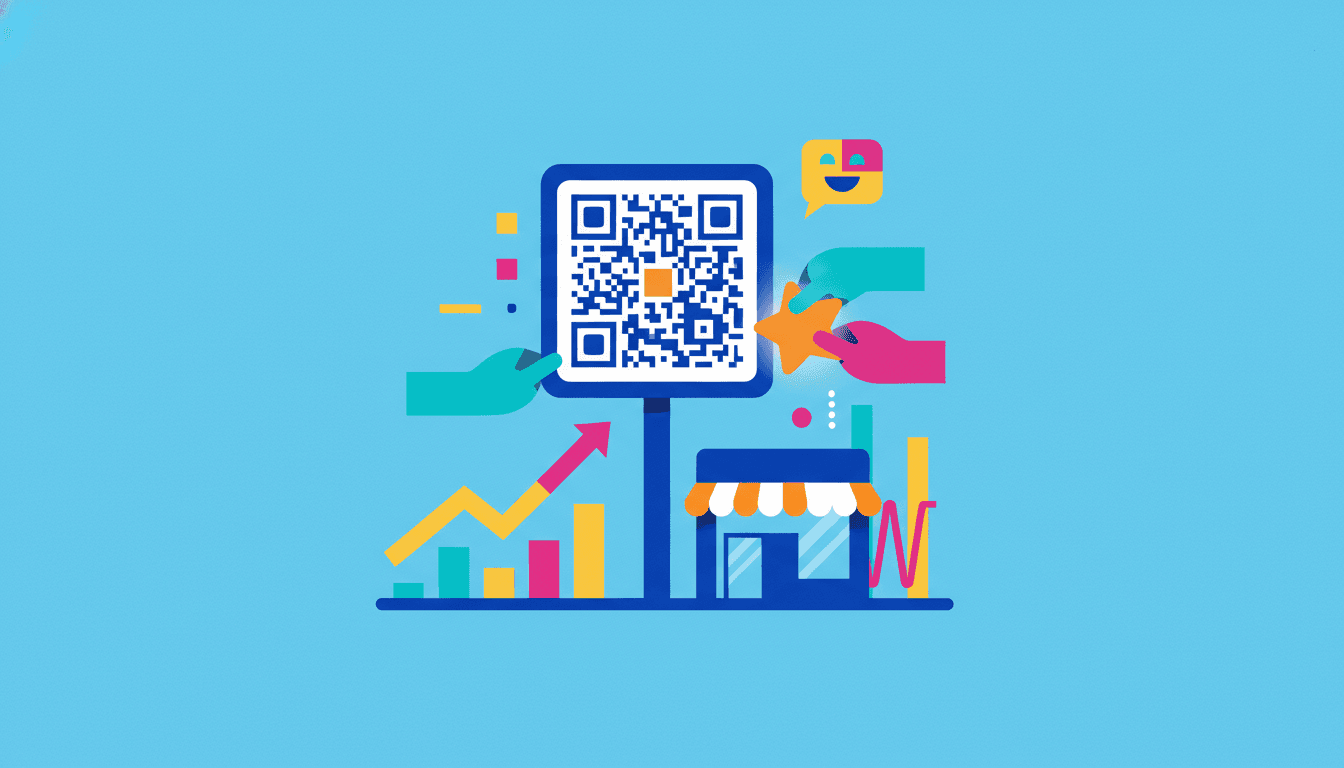
A Google review QR code is a physical shortcut that takes your customer directly to the review form on your Google listing. No more searching, no more scrolling. The customer simply points to his smartphone, assigns his stars, and writes two lines if he feels like it. Thirty seconds, watch in hand.
This mechanism responds to a problem well known to retailers: satisfied customers rarely think of leaving a spontaneous review. They’ve enjoyed their meal, come out of the restaurant, and three hours later have forgotten all about it. The QR code intercepts this precise moment when satisfaction is still very much alive. It’s the difference between a soft intention and an accomplished gesture.
Let’s take a concrete example. A brasserie in Lyon’s 6th arrondissement went from 87 reviews in January to 214 in June after placing a QR code sticker at the bottom of each bill. No other marketing action. The average rating climbs from 4.1 to 4.4 because happy customers, who had been silent, finally have an obvious point of entry. The result is measurable in Google Business Profile statistics: listing views have risen by 38% over the same period.
The hidden challenge: recommendation by generative AIs
In 2026, conversational assistants will drive a growing share of local searches. When a user asks an AI “where can I eat a good grilled fish in Marseille?”, the answer is based on the density, freshness and overall rating of Google reviews. Reviews with a low volume of reviews fall by the wayside. Worse still, establishments with recent negative reviews surface in comparisons.
This technological shift makes the structured collection of reviews no longer optional, but strategic. Businesses that expect their customers to think about reviews spontaneously are opening the door to those who automate the gesture via a QR code. To go further on this subject, the guide to new Google Business Profile functionalities in 2026 details the levers still under-exploited by 80% of retailers.
Measurable benefits for local SEO
Google’s local algorithm weights three review variables: total quantity, freshness (reviews from the last 90 days) and average quality. A listing that receives two new reviews every week is mechanically favored over one that has remained static for eight months. The QR code, deployed on tickets or tables, transforms this frequency into an effortless routine.
How to create a free Google review QR code in two minutes
There are three steps to creating a Google review QR code: retrieve the direct link to the review form, paste it into a generator, and upload the visual. No paid tools are required to get started. Most free solutions are more than sufficient for an independent business.
First step: log in to business.google.com with the account that administers your listing. Click on “Request reviews” from the dashboard. Google will display a short URL such as g.page/r/VOTRE-ID/review. This address is the only one that directly opens the rating panel. Copy it carefully. The official Google documentation specifies the exact steps depending on whether you manage one or several establishments.
Step 2: Go to a QR code generator. Free tools such as QR-Verse, URLR or Business E-reputation’s QR code and Google review link generator produce a scannable visual in a matter of seconds. Paste your link, choose a PNG or SVG format, and add your logo in the center if the tool offers it.
| QR code type | Benefits | Limits |
|---|---|---|
| Static (free) | Permanent, no technical dependencies, ideal for one-off prints | Unmodifiable URL, no scan statistics |
| Dynamics | URL can be modified at any time, scan statistics, A/B tests available | Often chargeable after trial period, depending on third-party service |
| NFC plate + QR | Dual technology (scan or contact), durable, stylish design | Initial investment, preferable for fixed points of sale |
Step 3: Test before you print. Scan the QR code with an iPhone or Android device. Check that the review page opens instantly, without any intermediate steps. A poorly generated QR code that links to the general information sheet rather than the form loses 60% of its effectiveness, because the customer still has to click on “Give feedback”.
Static or dynamic: the right choice for your activity
A baker with just one store doesn’t need a dynamic QR code. The review link will never change. A chain of five pizzerias, on the other hand, gains enormously from using dynamic QR codes: statistics per establishment, ability to switch to a new URL if the listing is reallocated, A/B testing of incentive messages.
For an independent business, the contactless NFC plate solution with QR code represents an excellent compromise: an elegant physical object placed on the counter, scannable by smartphone or activatable by simple NFC contact.
Where to place the QR code at your point of sale to maximize scans
Placement determines 70% of the result. A QR code hidden behind the cash register will never be seen. A QR code printed on the bill arrives in the customer’s hands at the precise moment when he’s deciding whether he’s had a good time. The golden rule: position the code where the eye naturally lingers after a successful experience.
In a restaurant, the bill rack and table easel work remarkably well. The customer has finished his meal, he’s digesting, he’s chatting. His brain is in “I liked it” mode. A short message like “Did you like it? Say it in 30 seconds” combined with a QR code generates scan rates of between 15 and 25%, according to feedback from several Parisian restaurateurs.
In a dental practice, the card handed out by the assistant at the end of the appointment acts as a physical relay. The patient is relieved to be finished. A gentle request, accompanied by a smile, converts far better than an email sent two days later. Psychological timing is covered in detail in this analysis of the perfect time to ask for a Google review.
High-potential locations by sector
- Restaurants and cafés: billfold, table stand, sticker on cash register, back of menu
- Hotels: welcome card on pillow, bedside folder, welcome desk
- Car garages: key ring delivered with vehicle, invoice pocket
- Fashion boutiques: bag tag, thank-you card
- Building and civil engineering contractors: invoice given at end of worksite, card left on site
- Doctor’s offices: reception desk, card handed out after consultation
An often overlooked detail: the QR code must be at least 3 cm square to be scanned comfortably from a distance of 30 cm. Older smartphones struggle to read anything smaller. And a poorly contrasted QR code (gray on beige, for example) doubles the scan failure rate. Stick to black on white, or dark blue on a light background if you want to personalize without sacrificing legibility. HeyPongo details the technical constraints in its practical guide.
Digital placement, an essential complement
QR codes don’t just live on paper. Include it in your confirmation emails, in your signature, on the thank-you page of your e-commerce site. A customer who receives his parcel with a flyer featuring the QR code in the box is statistically more likely to leave a return than one solicited by an isolated email.
Measuring real impact and avoiding the pitfalls that can lead to failure
Measuring the impact of a Google review QR code involves two indicators: the volume of scans (if you use a dynamic QR) and the number of reviews collected on your Google Business Profile page. The ratio between the two gives your actual conversion rate. A good rate is between 12 and 20%: for every 100 scans, 12 to 20 reviews are published.
If your rate is below 8%, the problem lies either with the incentive message (not clear enough), the technical path (poorly configured QR that opens an intermediate page), or the moment of solicitation (too early, too late, too forced). Test one variable at a time to identify the source of the brake.
Google Business Profile statistics complete the analysis. Cross-reference the number of reviews with the number of phone calls, itinerary requests and visits to your website. A business that goes from 50 to 120 reviews over six months will systematically see an increase in all three indicators. This is the virtuous circle of local SEO fed by fresh reviews.
| Indicator | Realistic goal | Warning signal |
|---|---|---|
| Scan rate / customers served | 15 à 25 % | Less than 5%: investment to be reviewed |
| Scan/notice conversion rate | 12 à 20 % | Less than 8%: faulty message or route |
| Average rating over last 90 days | Over 4.3 | Sub-4.0: customer experience issues to be addressed upstream |
| Average response time to notices | Less than 48 hours | More than 7 days: loss of credibility |
Mistakes that can cost you your file
Google is serious about manipulating reviews. Three practices are immediately punishable: offering something in return (discount, free coffee, prize draw), filtering customers by directing dissatisfied customers to a private form and satisfied customers to the public form (review gating), and having reviews posted by employees or friends. The algorithm detects abnormal patterns: grouped IP addresses, creation of recent Google accounts, repetitive vocabulary.
A bakery in the Bordeaux region lost 73 reviews overnight in 2025 after offering a free macaron in exchange for a five-star review. The listing was suspended for three weeks. Rebuilding algorithmic trust took six months. To understand reverse attacks, i.e. false reviews left by a competitor, remedies exist but require method and patience.
Autonomy rather than SaaS dependency
Many platforms offer monthly subscriptions to “manage your Google reviews”. For an independent business, this is rarely justified. A well-placed QR code, a verbal request routine trained with the team and a systematic response to reviews are enough to build a solid reputation. The subject is explored in this resource on how to manage your Google reputation without an agency or SaaS software.
Turn every satisfied customer into an ambassador via QR code
The QR code is just a tool. Without the human mechanics that accompany it, it remains an inert sticker. The difference between a business that collects 5 notices a month and one that collects 25 is down to one detail: has the team been trained to naturally mention the code at the right moment? This training takes an hour and changes everything.
The basic script consists of two sentences. At checkout: “If you’ve had a good time, we’d love to hear from you. There’s a little QR code on the bill, it takes 30 seconds.” No pressure, no explicit request for stars, no incentives. The customer feels free, which paradoxically increases the positive response rate.
A BrightLocal study published at the end of 2024 shows that 76% of consumers solicited verbally leave a review, compared with just 24% of those solicited solely by email. Human contact combined with QR codes is the winning combination. Email remains a reminder channel, never a first-intention request. URLR’s methodology for combining QR code and oral solicitation details this point well.
Build a reproducible protocol for the team
Document the gesture in a one-page mini-guide: at what precise moment to broach the subject, what words to use, how to react if the customer refuses, how to subtly follow-up with regulars. A trained waiter who mentions the QR code at 80% of his tables mathematically generates more reviews than a business that leaves things to chance.
Set up a weekly five-minute team review: how many reviews this week, which ones need a response, which negative feedbacks deserve operational improvement. This routine anchors the culture of customer feedback in the DNA of the business. It’s what separates the brands that survive from those that dominate their catchment area.
Cumulative effect over 12 months
A business that starts with 30 reviews and collects 8 a month thanks to a well-deployed QR code reaches 126 reviews in one year. This volume changes everything: it crosses the threshold of visibility in the Local Pack, it becomes a reference consulted by conversational AIs, and it reassures hesitant customers. Conversely, a business that remains at 30 reviews for 12 months mechanically regresses in the face of its competitors, who are moving forward.
To take your local reputation strategy a step further, become a Google Local Guide, or understand the trade-offs between platforms with this Trustpilot vs Google Business Profile comparison to structure a complete digital presence. The QR code is just the first brick in a reputation edifice that’s being built over time, and tomorrow will determine which of your competitors AI will recommend when a prospect searches for your business in your town.