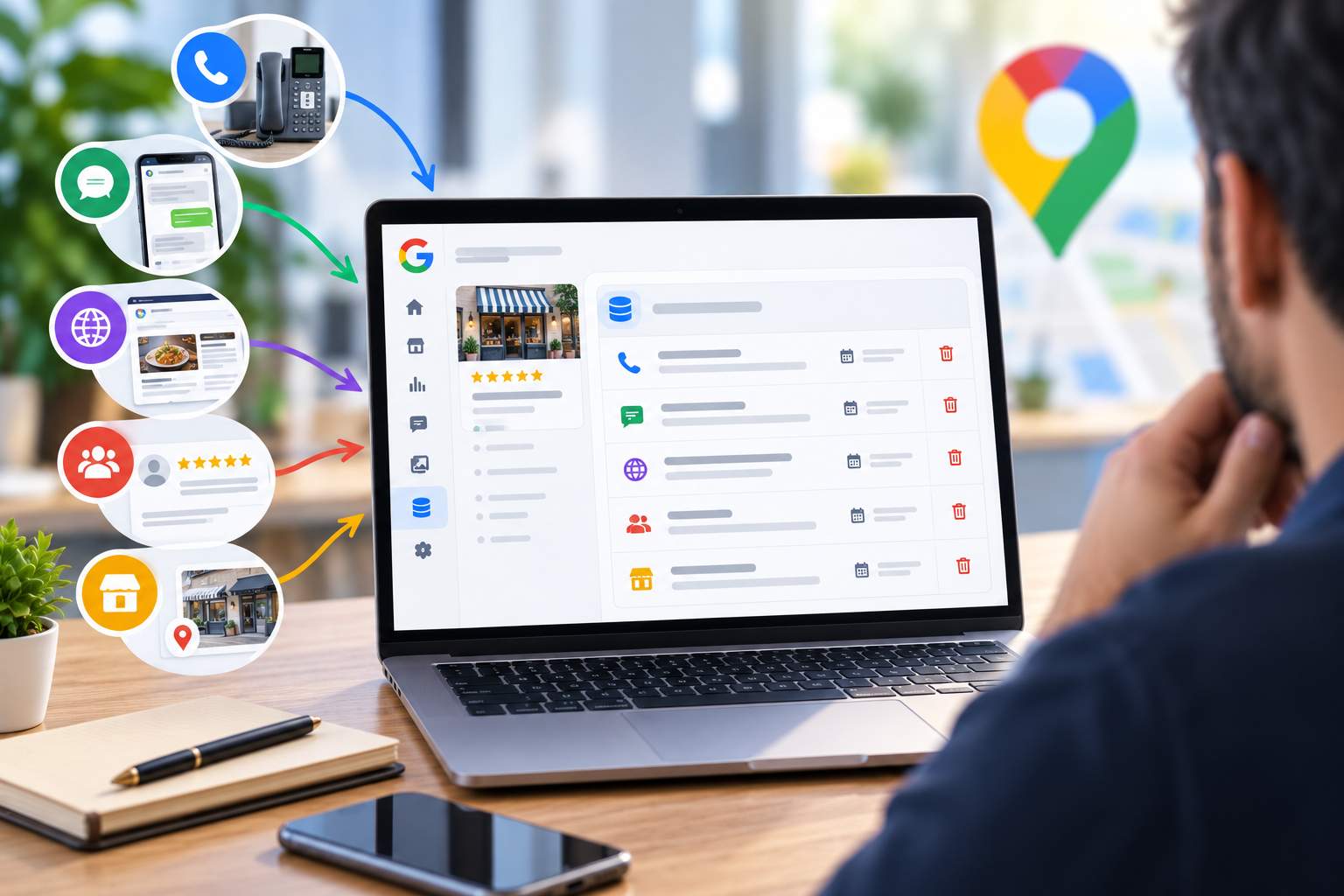
Google has just opened a new window into the behind-the-scenes workings of your business listing. Since September 2026, the “Collected info” tab has allowed business owners to view the information gathered by Google’s automated assistant during calls or written exchanges with their business. You can see the source and the date, and you can delete anything that no longer reflects reality. This new feature highlights a simple truth: your Google Business Profile draws from dozens of sources. Mastering your entire digital presence—your “digital 360”—is becoming an essential skill for business leaders.
What Google Just Launched
On September 14, 2026, Search Engine Land confirmed the official rollout of the feature, which had been in testing for several months. Google announced it on X: details verified by its automated assistant now appear in the listing’s dashboard, with the option to delete outdated data.
The tab displays a clear message. The information comes from phone calls or written communications with your business. Google uses this information to connect you with customers who are looking for services like yours.
According to Google’s official help documentation, the path consists of three steps:
- Open your business listing from Google Search or business.google.com.
- Select “Edit Profile,” then the “Collected Info” tab (the French translation may vary).
- Review each line. Google indicates the source of the information and the date it was collected. The text appears in the original language of the exchange.
Is there incorrect information? Click “Delete,” then confirm.
Helpful note: Google is currently limiting this feature to certain regions, languages, and business categories. If the tab doesn’t appear for you yet, that’s perfectly normal.
Where does this information come from?
Google sometimes contacts businesses via automated calls, text messages, or WhatsApp using the verified phone number listed on their profile. The purpose is to confirm your business hours or the availability of certain services. Your responses may update your profile.
Imagine the scene. It’s Friday at noon, and an apprentice at a plumbing company answers the phone. A computer-generated voice asks if the company provides service on Sundays. The apprentice replies “yes,” thinking of his boss’s emergency calls. Three days later, the schedule shows Sunday service that no one is actually covering. The first customer of the weekend will have a long wait.
The Google Help page provides three important clarifications:
- Changes resulting from these appeals are set to “Pending” status, and the review process can take up to 5 business days.
- Google may publish a post on your behalf based on your responses. You’ll receive an email and can choose to remove it at any time.
- Google never asks for payment, credit card numbers, or passwords. Any call asking for money to “keep your business on Google” is a scam.
You can disable these prompts in the advanced settings of your Google business profile, under the “Automated calls and messages” section. Three toggles control customer reservations, profile updates, and posting on your behalf.
Deleting information: instructions and limitations
The “Delete” button removes the information from Google’s archives. It leaves all other elements already present on your listing intact.
Let’s go back to our plumber. He deletes the line “Sunday service” from the tab. If this service is already listed in his public schedule, he must also correct the entry itself. Two steps, two places.
Keep this in mind: every time you delete an entry in the tab, the system checks the schedules, services, and attributes displayed to users.
Your listing: a mosaic of sources
This tab sheds light on a process that has long been opaque. According to its documentation, Google compiles listings from several sources:
- public content found online, including the company’s official website;
- user-generated content (addresses, phone numbers, photos, reviews);
- information entered by the owners;
- Google’s interactions with the business itself.
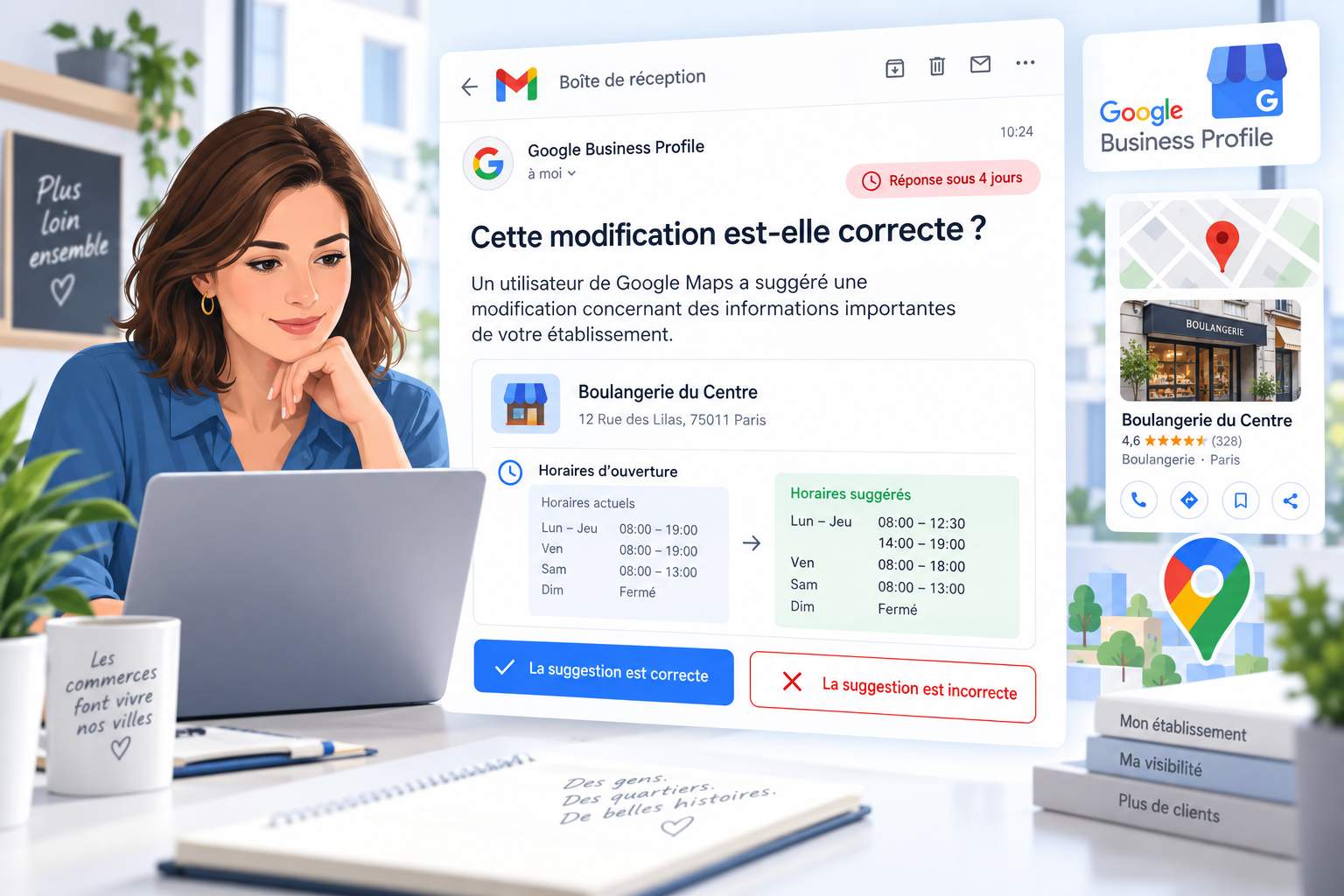
Internet users play a major role in this equation. In 2025, the Google Maps community suggested 80 million updates to business hours and contact information, according to Google’s official blog. We recently detailed the new email alerts that notify you of these suggestions.
Your profile looks like a puzzle put together by a robot. Each piece comes from a different place. One wrong piece, and the picture gets blurry.
Why Mastering Your Digital 360 Is Essential
The digital 360 refers to all the places where your business has an online presence: Google listings, websites, directories such as PagesJaunes, social media, review platforms, messaging apps, and now artificial intelligence assistants. Your phone system is now part of this ecosystem since Google queries it.
Your customers cross-reference sources
BrightLocal’s 2026 Local Consumer Review Survey, conducted among 1,002 U.S. consumers, reveals some striking figures:
- 45% of consumers used an AI tool to get a recommendation for a local business, compared with 6% a year earlier;
- the use of Google to find a local business has declined from 83% to 71%;
- 97% of consumers read online reviews before making a choice.
These figures pertain to the United States. They provide a useful trend for anticipating developments in the French market.
AI assembles your portrait
An AI assistant queries your website, directory listings, reviews, and social media. It then composes a single response. If your website announces a closure on Monday and your Facebook page an opening, the AI chooses. Sometimes poorly.
Let’s take a restaurant as an example. Its website says “closed on Mondays.” A third-party directory—which is never updated—says the opposite. A server answers an automated call from Google without knowing the schedule. The result: three versions of the truth, and a couple standing in front of a closed curtain on a Monday night. A one-star review follows shortly afterward.
Google Becomes an Active Interlocutor
Google Assistant scans the web and even picks up the phone. It calls your business to check hours, book an appointment for a customer, or confirm a product’s availability, according to its documentation. Everyone who answers the phone becomes a spokesperson for your brand to a machine.
Action Plan with Five Key Areas
- Map out your online presence. Create a table listing each channel, the information displayed, the person in charge, and the date of the last review. A bakery often discovers four or five forgotten directories during this initial inventory.
- Establish a single source of truth. Create an internal reference sheet: name, address, phone number, hours of operation, special hours, and services. Publish it on your website using the Schema.org LocalBusiness schema. All updates start with this document and are then rolled out to each channel.
- Prepare your phone response. Inform your teams about Google’s automated calls. Designate the people authorized to confirm appointments or services. Make an informed decision about whether to enable these calls in your Google Business Profile settings.
- Establish a monitoring routine. Each month, review the “Collected Information” tab. Each week, check your listing and your email alerts. Before any peak periods (holidays, vacations, long weekends in May), double-check your hours across all channels.
- Ask AI systems about yourself. Regularly ask ChatGPT, Gemini, or Google’s AI mode a simple question: “What are [your company’s] hours?” Note any discrepancies. Trace the issue back to its source (website, directory, social media) and correct it.
Tomorrow, your identity will be negotiated between machines
The “Information Collected” tab marks a milestone. Google publicly acknowledges that its assistant communicates with businesses and edits their listings. Tomorrow, a customer’s AI agent might call your company’s AI agent to reserve a table or compare quotes. Your Google My Business listing, your website, and your directory listings will become input data for these automated conversations.
Companies that maintain consistency across all their channels will earn the trust of algorithms. Mastering your 360-degree digital presence means mastering the story that machines tell about you.
Good news: Mastering this skill is mainly a matter of having a systematic approach. A chart, a reliable source, and a routine. You don’t need any expensive subscriptions to get started.
Frequently asked questions
Is the “Collected info” tab available in France? Google is rolling it out gradually by region, language, and category. Check the “Edit profile” section of your listing regularly.
Does deleting collected information correct my listing? No. Deleting the information removes it from Google’s archives. Information already published on the listing remains in place unless you edit it.
Can I opt out of automated calls from Google? Yes. Turn them off in the advanced settings of your verified listing, or request this during the call. Google may still contact you manually to confirm certain information.
Would you like to take back control of your Google listing and your online presence—all on your own? Our ebook walks you through each step.
Sources
- Barry Schwartz, “Google Business Profile Rolls Out ‘Collected Info,’” Search Engine Land, September 14, 2026: https://searchengineland.com/google-business-profiles-rolls-out-collected-info-488387
- Google, Google Business Profile Help, “About automated calls and texts from Google to your business”: https://support.google.com/business/answer/7690269
- Google, Google Business Profile Help, “Understand how Google sources & uses info in Business Profiles”: https://support.google.com/business/answer/2721884
- Google, “New ways we’re protecting businesses on Maps,” April 16, 2026: https://blog.google/products-and-platforms/products/maps/new-ways-were-protecting-businesses-on-maps/
- BrightLocal, “Local Consumer Review Survey 2026”: https://www.brightlocal.com/research/local-consumer-review-survey/