Online scammers know that an optimized Google Business Profile is a treasure trove of credibility and trust. However, some unscrupulous sites don’t hesitate to scrape information directly from your Google My Business profiles, exploiting them for malicious purposes. Behind these fake profiles lie traps: premium-rate telephone numbers, malicious advertising, phishing attempts, even links to malware. Your reputation can be hijacked to profit at your expense. This is a growing threat for businesses, craftsmen and small enterprises, who often don’t know how to protect themselves.
The insidious workings of Google listing scraping
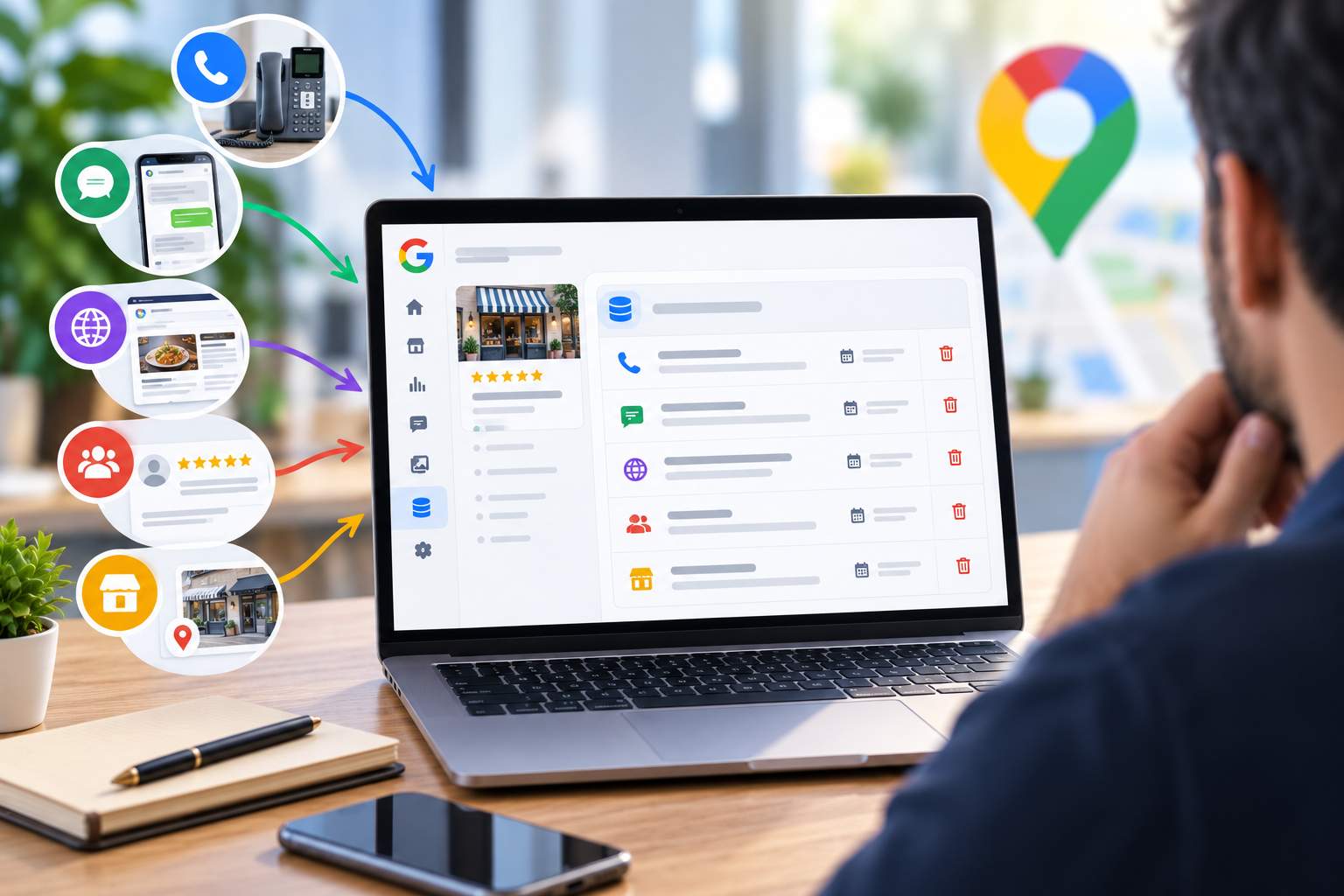
These fraudulent sites operate according to a simple but effective scheme. They suck in public data from your Google Business Profile: your name, address, phone number, opening hours, customer reviews and even photos. Then they create counterfeit pages on their own domain that look exactly like the real Google listings. The goal? Capture search traffic by positioning themselves on Google, or more generally deceive customers looking for your real contact details.
The danger becomes even more obvious when the phone number is changed. Instead of your real number, scammers slip in a premium-rate number or a server that captures calls. Some small business owners end up with customers calling compromised numbers, exposing users to abusive charges or upstream scam attempts. At the same time, these copycat sites sometimes include malicious ads or pop-ups, significantly degrading the user experience and creating major confusion around your brand.
Cloaking and invisibility techniques: when detection becomes impossible
What really complicates matters is that many of these sites use sophisticated techniques such as cloaking. Cloaking allows these scammers to present different content to Google (legitimate content) and different content to real users (the malicious trap). As a result, Google only sees harmless content when indexing, while you, the real user, come across the fake listing with the malicious numbers.
I’ve been a victim of this type of scam myself. After discovering that a counterfeit of my Google My Business listing was circulating online, I made an official request to Google via the personal information deletion service. The result: Google replied that it had not detected any personal data concerning my listing on the sites in question. In other words, cloaking worked so well that even Google didn’t see the problem! This episode was an eye-opener: Google’s official service is only part of the solution, not the whole picture.
How to identify a site that has stolen your Google My Business listing
Detection should be your first line of defense. Start by searching for your company on Google, along with relevant local keywords. Examine the results carefully: look for domains that aren’t yours but feature your information. A major warning sign is the presence of a Google Business Profile listing with your address but hosted on a third-party domain, or with inconsistencies in contact details.
Use Google Alert to continuously monitor your reputation
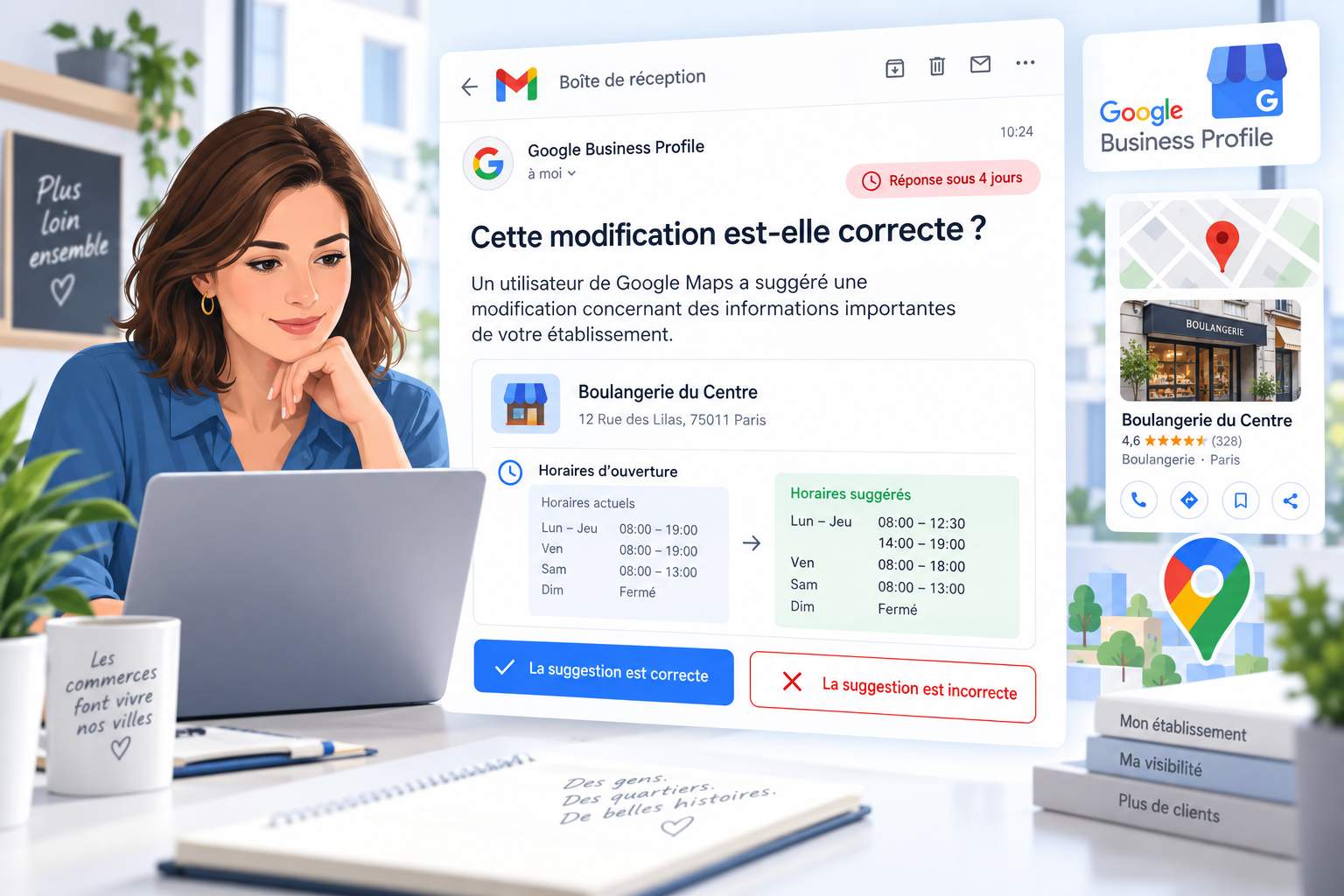
Google Alert is a free and often overlooked tool that is proving extremely effective in quickly detecting threats to your reputation. Simply set up an alert with the exact name of your company, and Google will notify you by email every time a new mention appears online. This means you’ll be notified as soon as a counterfeit site uses your information, or a scammer creates a duplicate listing. Although Google Alert doesn’t remove malicious content, it does enable you to discover it quickly and react before it causes too much damage to your reputation. It’s an essential complement to your daily monitoring to stay proactive in the face of Google My Business listing spoofing.
You can also use reverse image search tools. Upload your professional photos (the ones you’ve put on your Google Business Profile) to Google Images or TinEye. If these images appear on suspicious domains that you don’t control, a copy has been created. Check your Google Business Profile regularly to make sure no one has created a duplicate listing or fraudulent competitor posing as you on Google’s service.
Another indicator: have you received strange calls from customers reporting that your number no longer works, or people complaining of error messages after clicking on your link? This is often a sign that a counterfeit site is driving traffic to compromised resources.
Google’s official deletion service: useful, but not enough
Google now offers an official help service: the Personal Information Removal Tool. Accessible via the support page(https://support.google.com/websearch/answer/12719076?gsas=0&visit_id=639046944123102100-4079348596&p=remove_personal_contact_info&rd=1), or https://myactivity.google.com/results-about-you/. This service allows you to report pages containing your personal data (such as company details) that you would like to see removed from search results.
The process is relatively straightforward: you report the URL concerned, specifying what personal information is exposed there, and Google examines it. However, as I’ve experienced, this approach has some major limitations. Firstly, it requires Google to actually identify the presence of your data on the targeted page. However, with cloaking, scammers hide your information from Google’s eyes while displaying it publicly to users. The result: Google tells you that it hasn’t found anything, making your appeal impossible.
Secondly, this service acts as a removal tool in Google Search results. It does not remove the site itself, nor does it prevent it from existing. It just limits its temporary visibility on Google, which has a limited effect if the counterfeit site is already attracting traffic via other channels or alternative search engines.
Complementary strategies to secure your reputation
Don’t stop at the official Google service. Report the scam to the registrar of the fraudulent domain via WHOIS forms. Many hosting companies take these cases seriously and quickly suspend counterfeit sites. You can also contact Google directly to report cloaking and phishing attempts; Google has teams dedicated to systemic abuse.
Check out Bing search engine and other services. Report malicious content to the Commission Nationale de l’Informatique et des Libertés (CNIL) in France if you believe your data is being used illegally. Strengthen your presence on your real Google Business Profile by regularly publishing content, responding to reviews, and keeping your information up to date. The more relevant and dynamic your official listing, the more authority it gains with Google.
Set up continuous monitoring too. Set up Google Alerts to monitor mentions of your company on the Internet. Test any fake sites you come across yourself, as a real user, to confirm the presence of malicious content before reporting. Document every incident with screenshots: this evidence will be invaluable if you need to contact the authorities or compromised payment platforms.
My expert vision to anticipate
As AI and automated tools become more widespread, the scraping of Google My Business listings will unfortunately intensify. Scammers will refine their techniques, including cloaking, to remain invisible to detection systems. That’s why true resilience lies not in the hope of a magic solution from Google, but in proactive vigilance and diversification of your authentication channels.
Your official website, your consistent presence on Google Business Profile, your trade certifications, and clear communication with your customers are the best armor against these usurpations. Teach your customers to verify that your contact details match your website or physical signage. Be transparent about how they can contact you authentically. Only this holistic approach to reputation will truly protect you from scammers trying to steal your credibility.