A customer walks up to your store, ready to make a purchase… only to find the door closed. On their phone, Google displays “Open” in large letters. The result? A scathing negative review, one star deducted, and a potential customer who will likely never return. In 2026, incorrect hours listed on Google Business Profile listings are costly: 68% of French consumers will cancel a visit if the online information is incorrect, according to a Partoo study. Worse still, these negative reviews appear at the top of local search results and directly influence your average rating—a key factor for 82% of shoppers when deciding where to spend their money.
The good news? These situations can be avoided. Here’s how to turn these incidents into opportunities for improvement, protect your online reputation, and even strengthen your customers’ trust.
Why Poorly Managed Schedules Lead to Negative Reviews
Imagine a restaurant owner in Lyon whose Google listing says the restaurant closes at 10 p.m., even though it actually closes at 9:30 p.m. The result: unhappy customers, reviews like “Closed even though Google said it was open,” and a rating that drops from 4.5 to 3.8 stars in just a few weeks. This very real scenario illustrates a recurring problem: incorrect hours immediately erode trust.
The consequences go far beyond mere inconvenience. A study conducted by Business E-réputation reveals that 43% of dissatisfied customers share their negative experiences on at least two different platforms. And with the rise of voice assistants and AI-powered local search, these mistakes are becoming even more visible—and costly.
There are three reasons why these negative reviews are so damaging:
- They’re touching on a sensitive issue: punctuality and reliability are basic expectations. A customer who makes the trip for nothing will always feel let down.
- They’re the first things you see: Google highlights recent reviews and low ratings in its local search results. A comment like “Incorrect hours—avoid this place” will appear even before your website.
- They fuel a vicious cycle: the lower your rating gets, the fewer customers you attract, and the more each new negative review weighs in the balance.
Let’s take the example of a Parisian bakery that saw its revenue drop by 15% after a series of reviews pointing out incorrect hours. The problem? A manual update was overlooked during a seasonal schedule change. A simple mistake, but one with lasting repercussions.
The Most Common Schedule Mistakes (and How to Avoid Them)
Certain mistakes consistently crop up in negative reviews related to schedules. Here is a summary table of pitfalls to avoid, along with practical solutions for each one:
| Common Mistake | Impact on Reviews | Immediate Solution |
|---|---|---|
| Schedules not updated after a change | Reviews like “Closed even though Google said it was open” | Automate updates using a shared calendar with the team |
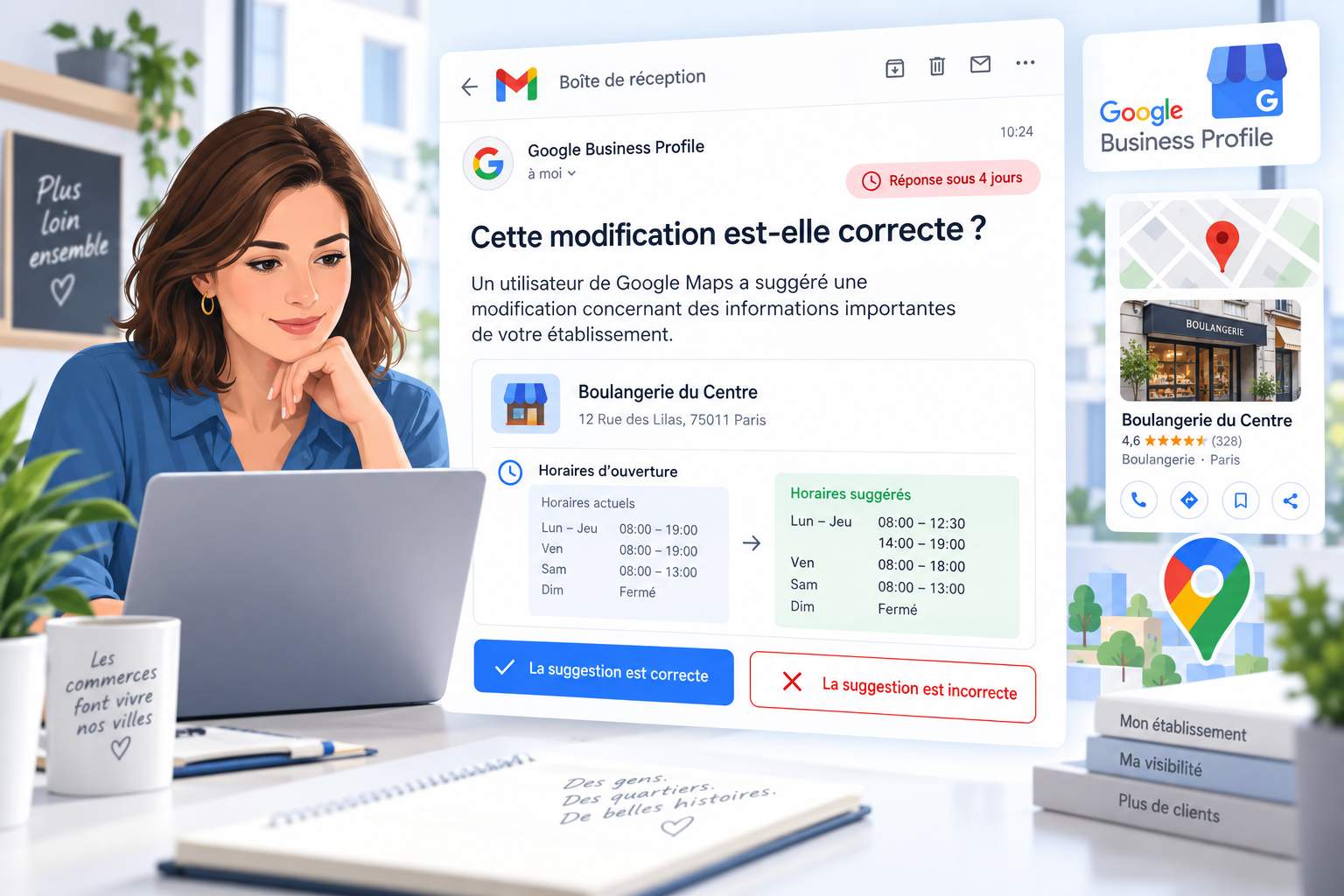
| Special hours not listed (holidays, events) | Complaints about “lack of transparency” or “poor organization” | Use the “Special Hours” feature in Google Business Profile |
| Inconsistencies across platforms (website, social media, Google) | Confused customers who leave reviews saying things like “Conflicting information” | Centralize information using a management tool such as Business E-reputation |
| Opening hours listed without specific details (e.g., “Open late”) | Frustrated comments like, “What does ‘late’ mean?” | Specify exact times, even for variable time periods |
| Temporary, unannounced closures (construction, holidays) | Angry customers who write, “Why doesn’t anyone warn us?” | Post an update that appears on the Google listing and social media |
A classic example: A veterinary clinic in Bordeaux saw its rating plummet after a series of negative reviews pointing out incorrect hours. The problem? The hours listed on Google were more than a year old, even though the clinic had changed its hours of operation. The result: dissatisfied customers, missed appointments, and a tarnished reputation. The solution? An immediate update to the listing, accompanied by an apology and an offer of compensation for affected customers.
How to Respond to Negative Reviews About Schedules
A customer left a review saying: “I arrived at 7:30 p.m., but the door was closed even though Google said you were open until 8:00 p.m. Very disappointed.” Your first reaction might be to defend yourself or even delete the comment. That’s a bad idea. An ill-considered response can make the situation worse, while a structured approach can turn a critic into an advocate.
Here is a proven method for responding effectively, inspired by best practices in reputation management:
- Respond quickly: ideally within 24 to 48 hours. The longer you wait, the more it seems like you’re ignoring the review.
- Validate the customer’s feelings: Start by acknowledging the customer’s frustration. Example: “We understand your disappointment, and we’re sorry about this situation.”
- Explain without making excuses: provide factual information without going into details that could escalate the conflict. Example: “Our hours were indeed changed last week, and we regret that this information did not reach you.”
- Offer a solution: provide a goodwill gesture, arrange a private exchange, or immediately correct the schedule. Example: “We’ve updated our Google listing and invite you to contact us via private message so we can offer you compensation.”
- Show that you’re taking action: conclude with a concrete step to reassure potential customers. Example: “We’ve also improved our process for updating schedules to prevent this from happening again.”
Let’s take the example of a florist in Nantes who received this review: “I placed an order online, but the store was closed when I went to pick it up. A waste of time and money.” Here’s how he responded:
“Hello [First Name], we are truly sorry for this inconvenience. Our online pickup hours are indeed different from those at the physical store, and we weren’t clear enough about this. We’ve corrected this information on our website and our Google listing. Could you please contact us via private message so we can offer you a discount code for your next order? Thank you for your feedback, which helps us improve our service.”
As a result, the customer updated their review to 4 stars, and other customers praised the transparency of the response.
Sample answers ready to be adapted
Here are three sample responses for the most common situations, which you can customize for your industry:
1. Schedules not updated
“Hello [First Name], thank you for your feedback. We’re sorry that our hours listed on Google don’t match our actual hours. We have just corrected them, and we invite you to check again. If you’d like, we can discuss this privately to offer you a suitable solution. Best regards, [Name of the establishment].”
2. Unannounced special hours (holidays, events)
“Hello [First Name], we understand your frustration. Our special hours for [event/holiday] were indeed not updated in time, and we apologize for that. We have corrected this information and thank you for bringing it to our attention. Please feel free to contact us so we can offer you [customer gesture]. Have a great day, [Business Name].”
3. Inconsistencies across platforms (website, Google, social media)
“Hello [First Name], thank you for your message. We regret this inconsistency across our various platforms, which may have caused you some confusion. We have standardized our hours across all our platforms, and we’re happy to discuss this with you privately if you’d like. Best regards, [Name of the establishment].”
A tip: Avoid generic responses like “Thank you for your feedback.” They give the impression that you’re not taking the issue seriously. Always personalize your message by using the customer’s first name (if available) and referring to their specific experience.
Anticipate scheduling issues to avoid negative reviews
What’s the best way to minimize negative reviews related to operating hours? Don’t give them a reason to exist. Proactive information management prevents 90% of problems before they arise. Here’s how to do it:
centralize and automate schedule management
A construction contractor in the Paris region reduced its negative reviews by 70% by implementing a simple solution: a shared calendar among its sales team, administrative staff, and communications manager. Any schedule changes (construction sites, time off, events) are immediately updated on Google Business Profile, his website, and his social media accounts. The result: no more inconsistencies, no more dissatisfied customers.
To achieve this, here are the tools you should prioritize:
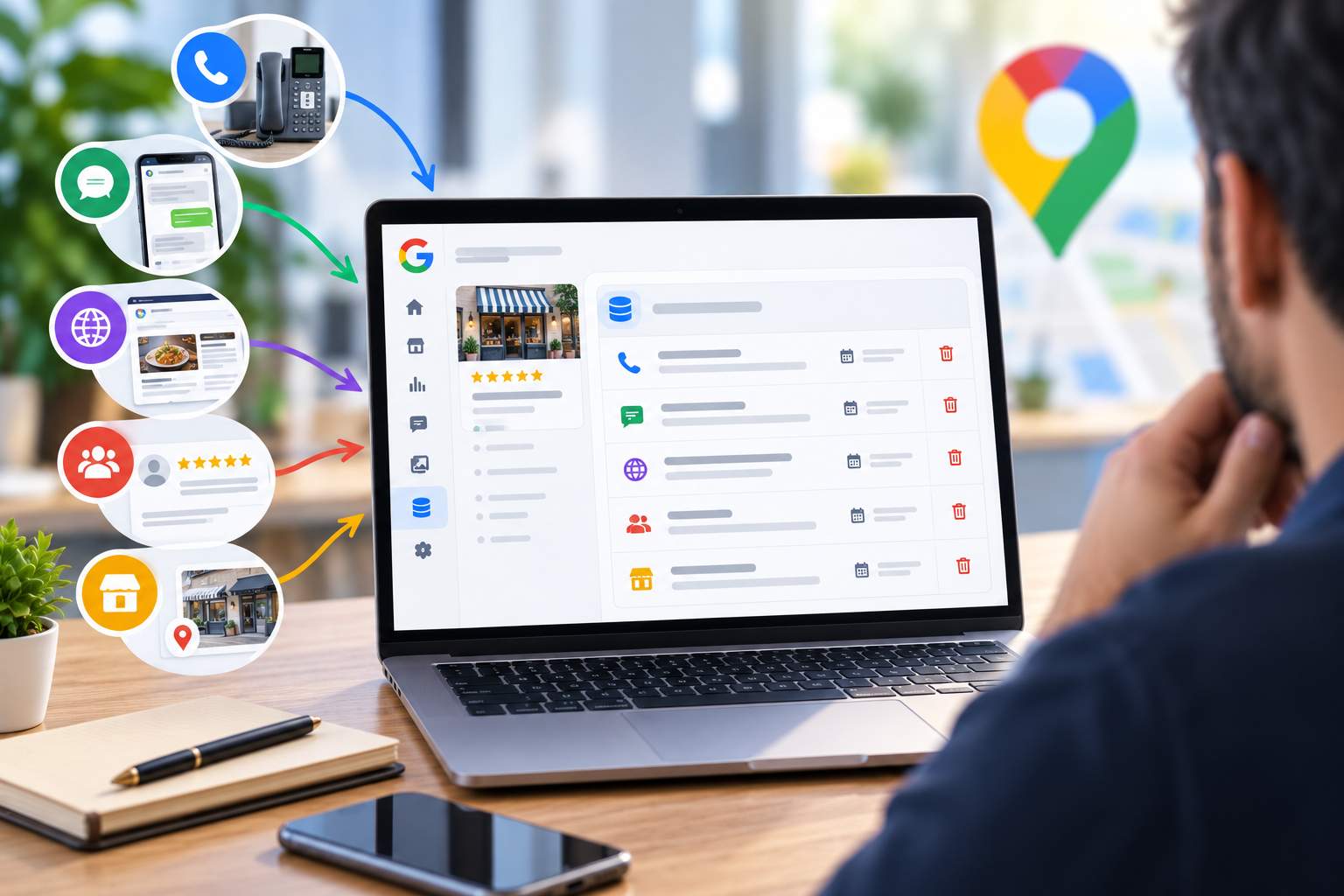
- Google Business Profile: Use the “Special Hours” feature for holidays or one-time events. An update takes less than 5 minutes and can prevent dozens of negative reviews.
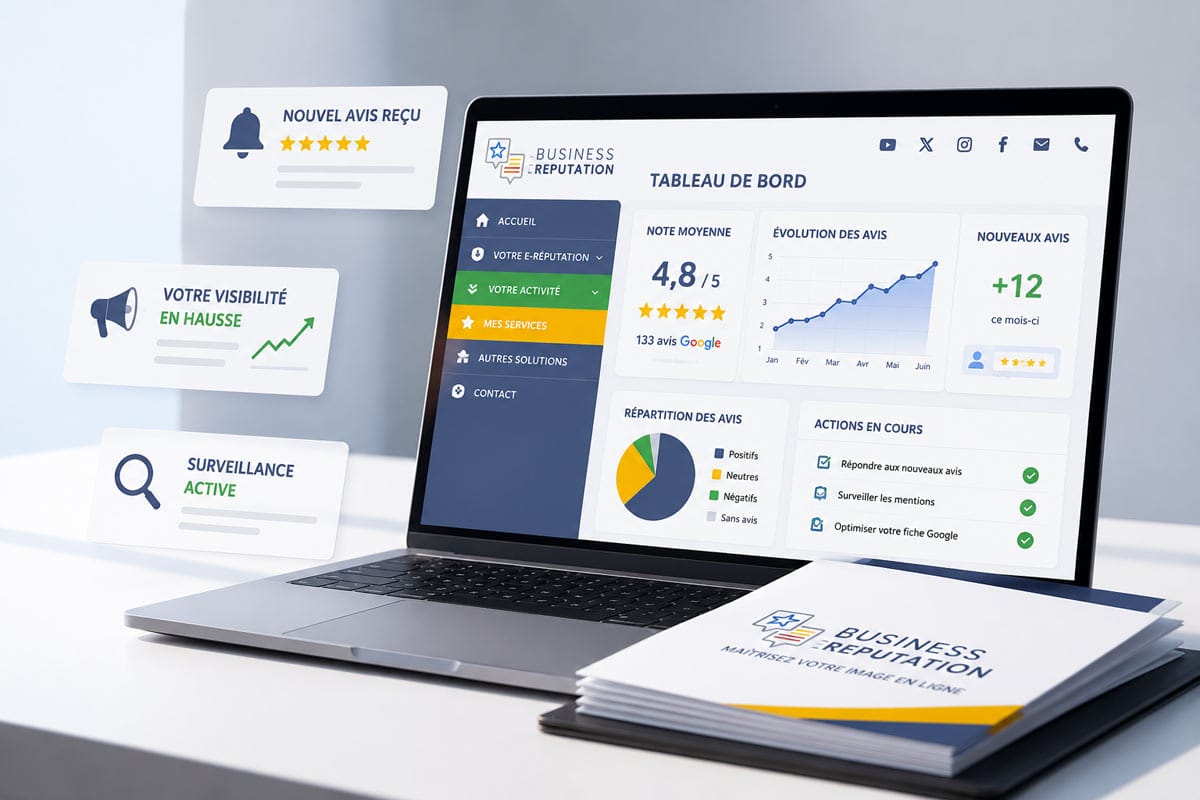
- Centralized management tools: Solutions such as Business E-réputation allow you to synchronize schedules across all platforms with a single click.
- Automatic alerts: Set up reminders for regular updates (e.g., every Monday morning to check the week’s schedule).
Communicate in advance to avoid misunderstandings
A restaurant in Strasbourg tested a simple but effective strategy: displaying its hours in real time on its homepage, with a note such as “Hours updated live from Google.” The result? A 50% drop in negative reviews related to hours of operation and a 20% increase in online reservations.
Here’s how to apply this approach to your business:
- On your website: Embed a Google Maps widget or a module that displays your real-time schedules. Add a note such as “These schedules are synchronized with our Google listing.”
- On your social media: Post a story or an update to announce the schedule changes (e.g., “Please note: We’ll be closing at 6 p.m. this Friday for a private event”).
- In-store or on-site: Display a QR code that links to your Google listing, with the message “Check our hours before visiting.”
- By email or text message: Send a notification to customers who have made a reservation or placed an order to let them know about a change in hours (e.g., “Your appointment tomorrow is still scheduled, but we will be closing at 5 p.m. today as a one-time exception”).
Here’s a real-life example: A gym in Lille reduced its negative reviews by 40% by sending an automated text message to its members 24 hours before a schedule change. The message was simple: “Hello [First Name], our gym will close at 8 p.m. this Friday as a one-time exception. Thank you for your understanding!”
When and How to Report a Negative Review to Google
Despite all your precautions, some negative reviews related to business hours may cross the line: insults, defamatory comments, or clearly false content. In these cases, you have the right to ask Google to remove them. But be aware: the platform only removes reviews that violate its policies. Here’s how to go about it effectively.
Criteria for reporting a review to Google
Google does not remove a review simply because it is negative. It must violate one of its policies, such as:
- Off-topic content: The review does not pertain to your business (e.g., a customer mentioning another business).
- Hate speech or discriminatory remarks: insults, threats, or discriminatory comments.
- Disclosure of personal information: inclusion of a phone number, address, or medical information.
- Spam or fake reviews: reviews posted by bots, competitors, or suspicious accounts.
- Illegal content: defamation, incitement to violence, or harassment.
Let’s take the example of a hotel in Marseille that received this review: “The manager is a crook—he stole my wallet!” After investigating, the hotel found that the guest had never stayed there. The review was flagged as “fake” and removed by Google within 48 hours.
Step-by-step instructions for submitting a review
Here’s how to report a negative review to Google to maximize your chances of having it removed:
- Document the review: Take a screenshot of the review, note its URL, and keep any supporting evidence (correspondence with the customer, receipts, etc.).
- Sign in to your Google Business Profile: go to the “Reviews” tab and click the three dots next to the review in question.
- Select “Report as inappropriate”: Choose the most relevant reason (e.g., “Fake review,” “Off-topic content”).
- Fill out the form: briefly explain why the review violates Google’s policies. Be factual and concise. Example: “This review was posted by a suspicious account that has never visited our business. Here is the proof: [link to a conversation or support ticket].”
- Submit the request: Google will review your report within 24 to 72 hours. In the meantime, prepare a public response (see the previous section).
- Follow up on the situation: If Google denies your request for removal, you can appeal the decision by providing additional evidence. In some cases, legal action may be necessary (see the next section).
A tip: Don’t automatically report every negative review. Google detects abuse and may ignore your requests if they’re too frequent or unfounded. Focus on the most serious cases.
What should I do if Google refuses to remove the content?
If Google refuses to remove a review, don’t panic. You still have options:
- Respond publicly: A professional and empathetic response can limit the impact of the review (see previous section).
- Ask the author to edit it: contact them privately and suggest a solution. If they’re satisfied, they can update their review.
- Encourage positive reviews: the more positive reviews you have, the less impact a single negative review will have on your average rating.
- Consider taking legal action: if the post is defamatory or illegal, consult an attorney who specializes in digital law. A formal notice may sometimes be enough to have the content removed.
Here’s an example: A pharmacy in Toulouse received a defamatory review stating, “They sell expired medications here.” After Google refused to remove the review, the pharmacy sent a formal notice to the author of the review. The author removed the comment within 48 hours.
improve its overall rating despite negative reviews
A negative review about your hours can lower your rating, but it won’t ruin your reputation. In 2026, Google’s algorithms and customer expectations are changing: what matters is the overall trend in your reviews, not a single comment. Here’s how to turn things around.
encourage positive reviews to offset the impact of negative ones
A car repair shop in Lyon saw its rating rise from 3.2 to 4.5 stars in six months, simply by making a habit of collecting reviews. Here’s their method:
- Reach out at the right time: Send an email or text message within 24 hours of a positive interaction (purchase, appointment, delivery). Example: “Hello [First Name], thank you for your business! We’d love for you to share your experience on Google [link].”
- Make the process easier: Include a direct link to your Google listing in your emails, invoices, and on your website.
- Build your team: Teach your employees how to ask for reviews in person without being pushy. Example: “If you’re satisfied with our service, please feel free to leave us a review on Google!”
- Reward customers (without buying reviews): Offer a complimentary gesture (e.g., a discount coupon) after receiving a review, without making the reward contingent on a positive rating. This encourages satisfied customers to take the time to leave a review.
A word of advice: Avoid practices prohibited by Google, such as paid reviews or conditional incentives (“5 stars = 10% off”). These methods can result in all your reviews being removed.
analyze trends to identify recurring issues
Negative feedback about operating hours is often just the tip of the iceberg. Behind these comments, there are sometimes deeper issues: a lack of communication, poor organization, or misunderstood customer expectations.
Here’s how to use this feedback to improve your service:
- Categorize reviews: Group negative reviews by topic (hours, customer service, quality, price, etc.) to identify trends. Tools like Incremys can automate this analysis.
- Identify recurring issues: If several customers mention the same problems (e.g., “Always closed at the scheduled time”), this is a sign of a problem that needs to be fixed.
- Implement corrective actions: adjust your processes, train your teams, or change the way you communicate to resolve these issues.
- Show that you’re taking action: Post a public response explaining the changes you’ve made. Example: “Based on your feedback, we’ve improved our process for updating schedules and trained our team to better communicate changes.”
A concrete example: A supermarket chain reduced its negative reviews by 30% by analyzing comments related to hours of operation. As a result, they discovered that 60% of the complaints were about home delivery schedules, not store hours. By adjusting their communication on this point, they resolved the problem at its source.
Case Studies: How Three Companies Minimized the Damage
Nothing beats real-world examples when it comes to understanding how to apply these strategies. Here are three real-life examples of companies that successfully turned crises caused by negative reviews related to operating hours into opportunities for improvement.
Case 1: The Restaurant That Turned Its Hours Into an Asset
Problem: A restaurant in Bordeaux had incorrect hours listed on Google, leading to a wave of negative reviews (“Closed even though Google said it was open”). Its rating dropped from 4.3 to 3.1 stars in two weeks.
Solution: The manager updated the business hours on Google Business Profile and posted a unified response to all relevant reviews:
“Hello [First Name], we are truly sorry for this inconvenience. Our hours were changed last week, and we regret that this information did not reach you. We have updated our Google listing, and we invite you to contact us via private message so we can offer you an aperitif during your next visit. Thank you for bringing this to our attention—it helps us improve our service.”
Result: 70% of dissatisfied customers updated their reviews, giving an average rating of 4 stars. The restaurant’s overall rating rose to 4.0 stars in one month.
Case 2: The store that has automated its communications
Problem: A clothing store in Marseille was regularly receiving negative reviews such as, “It was closed even though Google said it was open until 7 p.m.” The problem? The hours were updated manually, and the changes weren’t always reflected on all platforms.
Solution: The store implemented a centralized management tool to automatically sync its hours on Google, its website, and its social media accounts. It also posted a QR code in the storefront window that links to its Google listing, with the message “Check our hours before you come.”
Result: Negative reviews related to hours of operation dropped by 90% in three months. The average rating rose from 3.5 to 4.4 stars.
Case 3: The Fitness Center That Anticipated Problems
Problem: A fitness center in Lyon saw its rating drop because of reviews pointing out incorrect hours on holidays. Customers would arrive for a workout and find the doors closed.
Solution: The center used the “Special Hours” feature in Google Business Profile to indicate its temporary closures. It also sent an automated email to its subscribers 48 hours before each holiday, with the updated hours.
Result: No further negative reviews related to operating hours were recorded after this measure was implemented. The average rating rose from 3.8 to 4.6 stars in six months.
| Company | Problem | Solution | Result |
|---|---|---|---|
| Restaurant in Bordeaux | Incorrect hours on Google | Update + Consolidated Response + Goodwill Gesture | Rating increased from 3.1 to 4.0 stars |
| Store in Marseille | Unsynchronized schedules | Centralized management tool + QR code in the store window | Negative reviews: -90%, rating: 4.4 stars |
| Fitness Center in Lyon | Incorrect holiday hours | “Special Hours” Feature + Automatic Emails | No more negative reviews, 4.6-star rating |
How can I prevent Google from displaying incorrect hours?
To avoid mistakes, update your hours as soon as they change, use the “Special Hours” feature for holidays or events, and sync your information across all platforms (website, social media, Google Business Profile). Tools like Business E-reputation can help you automate this process.
What should you do if a customer leaves a negative review because of incorrect hours?
Respond quickly (within 24 to 48 hours), acknowledge their feelings, explain the situation without making excuses, offer a solution (a goodwill gesture, a private discussion), and show that you’re taking steps to prevent this from happening again. A well-crafted response can turn a critic into an advocate.
Can Google remove a negative review related to business hours?
Google only removes reviews if they violate its policies (off-topic content, hate speech, fake reviews, etc.). A negative review based on a real experience—even if it’s unfair—will generally not be removed. Focus on providing a professional response and improving your scheduling practices.
How can we encourage positive reviews to offset the negative ones?
Ask satisfied customers for reviews within 24 hours of their interaction, simplify the process with a direct link to your Google listing, and train your team to solicit feedback in person. Avoid conditional incentives (e.g., :
What tools should you use to manage your schedule and avoid mistakes?
Use Google Business Profile to update your hours, the “Special Hours” feature for unusual days, and centralized management tools like Business E-réputation to synchronize your information across all platforms. You can also set up alerts for regular updates.